August 28, 2026
Custom Locker Configurations for Multifamily Properties
Discover the ideal custom locker configurations for multifamily properties. Optimize space and delivery management with tailored solutions.
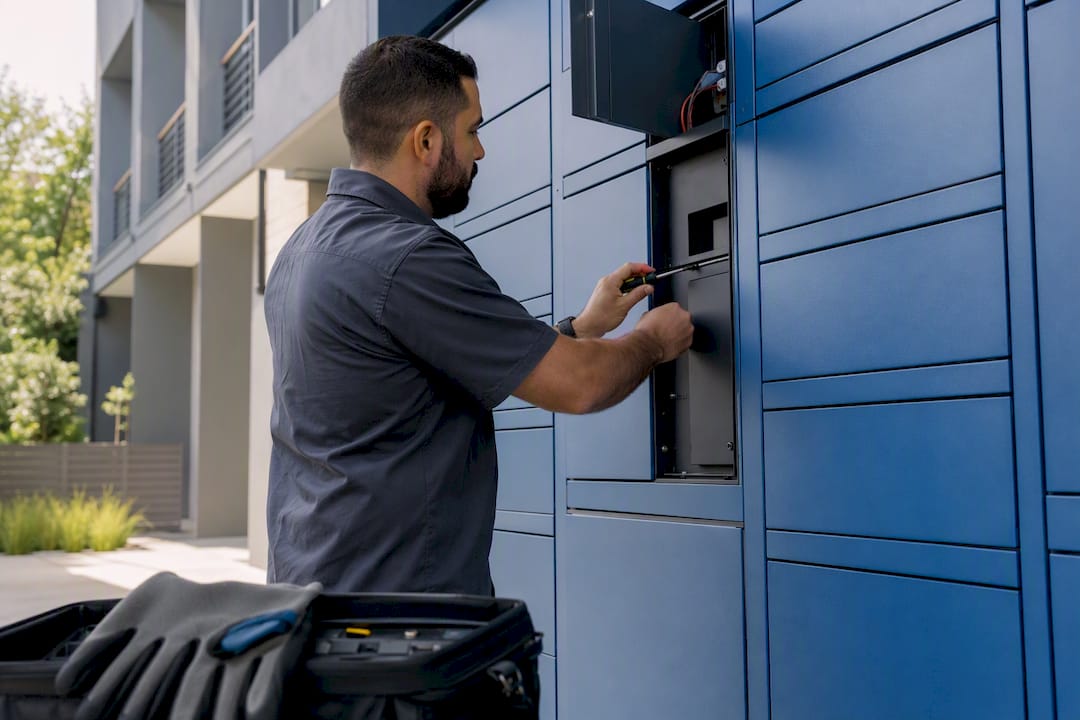
The right custom locker configuration comes down to three inputs: unit count, daily delivery volume, and available space. For most multifamily properties, that math points to a hybrid-first design, carrier-agnostic lockers paired with a package room, backed by access control and video integration to handle overflow and oversized items without adding staff hours. Suppliers like Locker Solutions, working with hardware from providers such as Luxer One®, build exactly this kind of configuration for properties of nearly any size.
TL;DR:
- Use actual delivery data to size locker systems accurately, considering peak volumes and average holding times, to avoid under or overcapacity issues.
- Mid-size properties benefit most from hybrid locker and package room configurations, balancing cost and resident self-service experiences.
- Outdoor-rated, weatherproof, and refrigerated modules should be specified upfront if the property has high humidity, grocery delivery, or bulk freight needs.
- Integration with access control, video surveillance, and property management systems is essential for efficient locker operation and resident support.
- Budget planning should include installation, software, maintenance, and ongoing costs over 3 to 5 years, not just initial hardware expenses.
Table of Contents
- What’s the Best Custom Locker Configuration for Your Property?
- How Do You Size a Locker System Without Overbuilding?
- Which Integrations Turn Lockers Into Real Infrastructure?
- What Belongs on a Pre-Installation Site Checklist?
- How Should Carrier Communication and Overflow Work?
- What Does a Locker System Actually Cost Over Time?
- A Publisher’s Take on Deployment-Ready Configurations
- How Locker Solutions Builds Your Configuration
- Sources
What’s the Best Custom Locker Configuration for Your Property?
There’s no single locker layout that works across a 40-unit garden community and a 400-unit high-rise. Operators get better results when they match the solution type to staffing model, unit count, and actual delivery volume instead of defaulting to whatever configuration a vendor pushes hardest.
Small properties (under roughly 100 units) usually do fine with a secured package room as the primary intake point, supplemented by a small locker bank for after-hours pickup or high-value items. Staff can manage volume manually, and the locker bank exists mainly to remove friction outside office hours.
Mid-size properties (100 to 250 units) are where hybrid configurations earn their keep. A locker bank handles routine, standard-size deliveries automatically, while a package room absorbs overflow, oversized boxes, and anything that doesn’t fit a standard compartment. This is also the range where smart lockers deliver the strongest resident self-service experience, though they carry higher upfront hardware costs than a package room alone, another reason the hybrid model tends to balance service against budget better than an all-locker or all-room approach.
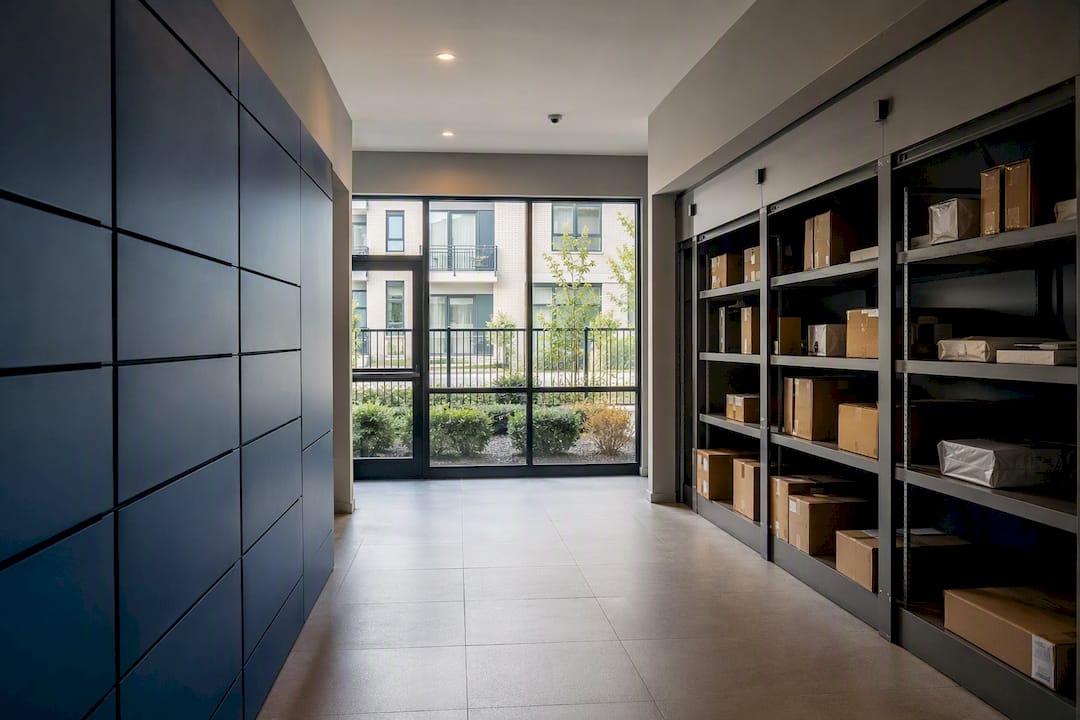
High-volume properties (250+ units, especially in dense urban markets) often need multiple locker banks, outdoor-rated kiosks for satellite entrances, or a fully automated package room that can process high package counts with minimal staff involvement. If a meaningful share of residents order groceries or meal kits, refrigerated locker modules become worth specifying rather than retrofitting later.
A few triggers should push you toward specialized modules regardless of property size:
- Coastal or high-humidity climates call for weatherproof, outdoor-rated kiosks, not standard indoor units placed near an exterior door.
- Communities with heavy grocery delivery or meal-kit subscriptions justify refrigerated lockers from day one.
- Properties with frequent furniture, appliance, or bulk deliveries need dedicated oversized bays or a package room built to handle non-standard freight.
How Do You Size a Locker System Without Overbuilding?
Undersizing creates chronic overflow and angry residents. Overbuilding wastes capital on compartments that sit empty. The fix is a capacity formula, not a guess based on unit count.
Statistic Callout: Buyer guidance recommends calculating required capacity from actual delivery counts, average holding time, and a peak factor, rather than a flat ratio of lockers to units.
Here’s the formula in practice:
- Pull average daily package volume. Ask your current staff or carrier logs for a real number, not an estimate.
- Multiply by average holding days. If packages sit for 1.5 days on average before pickup, that’s your multiplier.
- Apply a peak factor. Holiday weeks and Mondays after a shipping backlog can run 1.5 to 2 times normal volume, so size for that peak, not the average day.
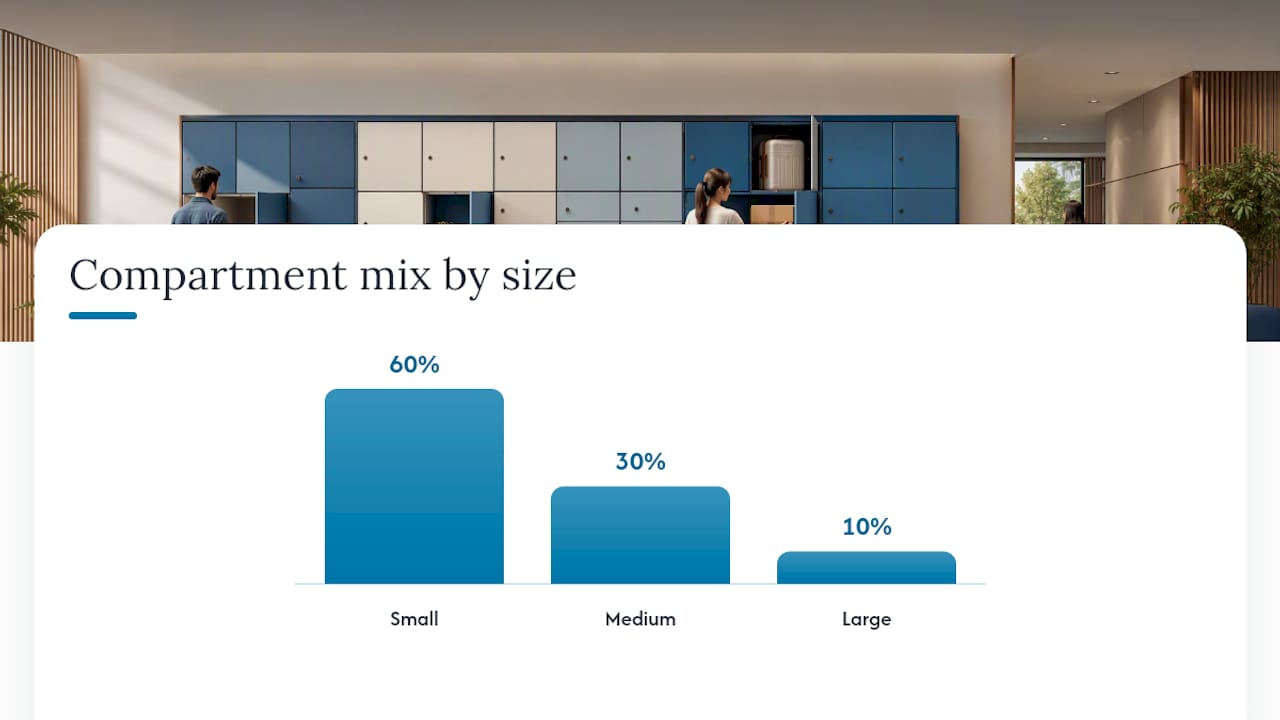
- Set your compartment mix. Plan roughly 60% small, 30% medium, and 10% large or oversized, adjusting based on what your carrier data shows.
Once installed, watch fill rate as your early warning system. A persistent fill rate above 10 to 20 percent signals undersizing before residents start complaining. Build in spare power and network capacity from the start. Adding a locker module later is a lot cheaper when the electrical panel already has headroom.
Which Integrations Turn Lockers Into Real Infrastructure?
A locker bank that doesn’t talk to anything else is just a box with a screen. Integration with access control and video surveillance converts lockers from standalone hardware into part of the building’s operating system, which simplifies credentialing, auditing, and resident support all at once.
Specifications should require:
- Property management system (PMS) integration for automatic resident credentialing and move-out deactivation.
- Access control tie-in so one credential works for the building, mail area, and locker bank.
- Carrier scanning support for major and regional carriers, not just one or two.
- Notification APIs for SMS, email, and app-based pickup alerts.
- Video coverage at the locker bank with retained footage for dispute resolution.
- Role-based admin controls so leasing staff, maintenance, and regional managers see only what they need.
Pro Tip: Ask any vendor for a live demo of the access control integration, not a slide deck. Credential syncing issues show up fast once you actually try to add and remove a resident.
Don’t skip ADA considerations. Compartment height, reach range, and control panel placement all matter for compliance, and retrofitting an ADA-compliant unit into an existing bank is far more disruptive than specifying it up front.
What Belongs on a Pre-Installation Site Checklist?
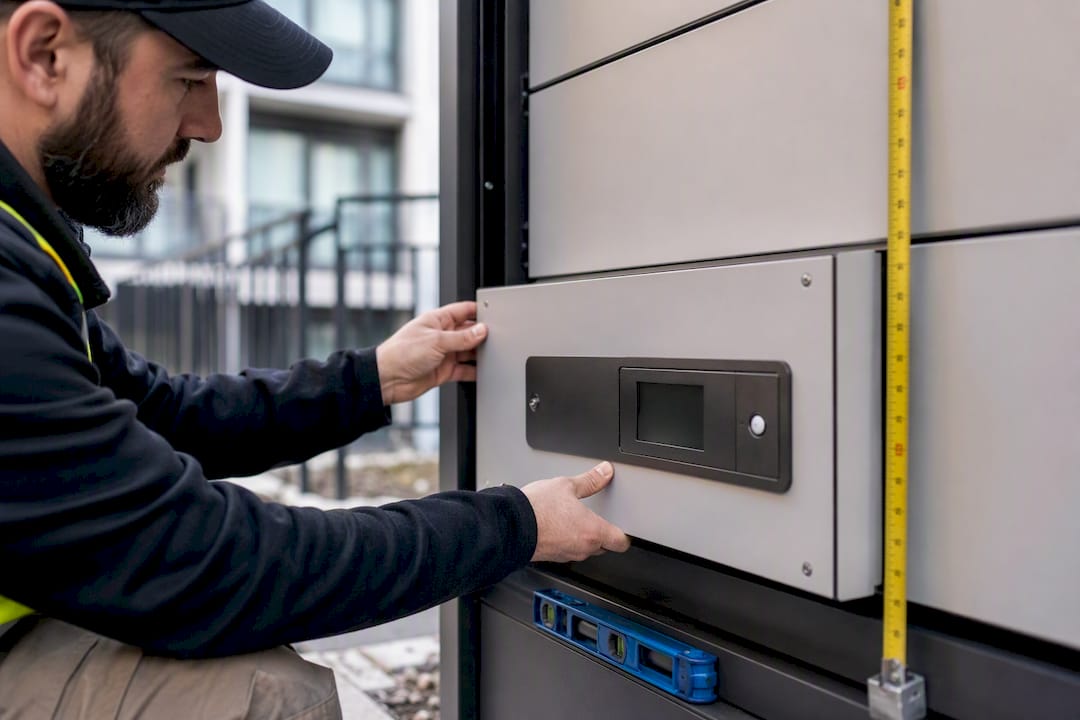
Locker deployments stall for boring reasons: no dedicated circuit, no ethernet drop, nobody measured the clearance around the door swing. Site-readiness checks catch these problems before the truck shows up, not after.
Before installation day, confirm:
- Siting: the bank sits on a natural traffic path, has clear carrier access, and meets ADA clearance requirements.
- Power: a dedicated 120V circuit is available, with capacity reserved for future module additions.
- Network: ethernet is run to the location, with a cellular fallback specified in case the primary connection drops.
- Drainage and ventilation: outdoor kiosks and refrigerated units have proper drainage and airflow, not just a weatherproof shell.
- Floor loading: the structure supports the unit’s full loaded weight, especially for upper-floor or podium installations.
- Documentation: dimensions, clearances, lighting levels, and signage locations are all recorded during the walkthrough, not estimated afterward.
Getting these details wrong is one of the most common causes of installation delays and rework, so a documented walkthrough before the crew arrives pays for itself. A low-voltage contractor’s guidance on power planning is worth reviewing alongside your locker spec if your property’s electrical infrastructure is older or already near capacity.
How Should Carrier Communication and Overflow Work?
Hardware doesn’t fail multifamily package systems nearly as often as process does. Someone needs clear authority to load a locker, log an oversized item, and escalate a dispute, or the system breaks down within weeks of going live.
- Assign intake roles explicitly. Define who can load compartments, including carriers, on-site staff, and any third-party attendants, and give each group the access level they actually need.
- Standardize carrier onboarding. Operators who standardize communication and training with carriers up front avoid a large share of the implementation failures that show up at scale, mostly drivers defaulting to old habits like leaving packages at the leasing office instead of the locker bank.
- Write an overflow policy before you need one. Specify where oversized items go, how staff log and notify the resident, and what the escalation path looks like when a package goes missing.
- Track maintenance and metrics on a schedule. Daily checks (jammed doors, low battery alerts) and weekly reviews of fill rate, average holding time, and carrier compliance keep small problems from becoming resident complaints.
Pro Tip: Print a one-page carrier instruction card for the locker bank itself. Drivers who’ve never seen your system before will follow a visible sign faster than they’ll ask a resident for help.
Most operators end up running two or more intake methods side by side rather than betting everything on one system, which is exactly why the hybrid model shows up so often in practice, not just in vendor marketing. Related workflow detail lives in Locker Solutions’ guide to secure parcel handling.
What Does a Locker System Actually Cost Over Time?
Sticker price on a locker bank tells you almost nothing about what it costs to run for five years. A proper total cost of ownership comparison needs every line item, not just the hardware quote.
Build your comparison around:
- Hardware cost (locker bank, kiosk, or automated room unit)
- Installation and site prep, including electrical and network work
- Software subscription and any per-transaction fees
- Ongoing connectivity (cellular data plans, if applicable)
- Maintenance contracts and expected replacement parts
- Staff training time, both at launch and for new hires later
Treat any vendor’s number as a starting point for your own site, not a benchmark.
Annualize both one-time and recurring costs across a 3 to 5 year window before comparing vendors head to head. Ask every bidder directly about module add-on pricing, warranty terms, and replacement part lead times. Those contract details tend to matter more than the initial quote once a system has been running for a couple of years. For a deeper cost breakdown, see Locker Solutions’ ROI analysis for apartment package lockers.
A Publisher’s Take on Deployment-Ready Configurations
Every property claims to be unique, and most of the time that’s an overstatement, but locker deployment is one area where it’s actually true. A coastal mid-rise needs weatherproofing and drainage details that a downtown high-rise never has to think about. A property with a heavy meal-kit-subscribing resident base needs refrigerated capacity that a student housing complex across town would never justify.
We’ve watched properties oversize dramatically because a vendor pushed a standard package instead of running the actual delivery numbers, and we’ve watched others undersize because nobody accounted for peak-season volume. Locker Solutions’ site-specific approach, compact urban banks for tight footprints, coastal-rated enclosures where salt air degrades standard hardware faster, refrigerated modules where the resident mix demands it, exists because the generic answer usually costs someone money down the line. For readers who want the terminology sorted out before talking to a vendor, our apartment package solutions terminology guide is a useful starting point.
— Locker Solutions
How Locker Solutions Builds Your Configuration
Locker Solutions works from your actual delivery data, not a generic template, to spec a configuration that fits your property instead of forcing your property to fit a standard box.
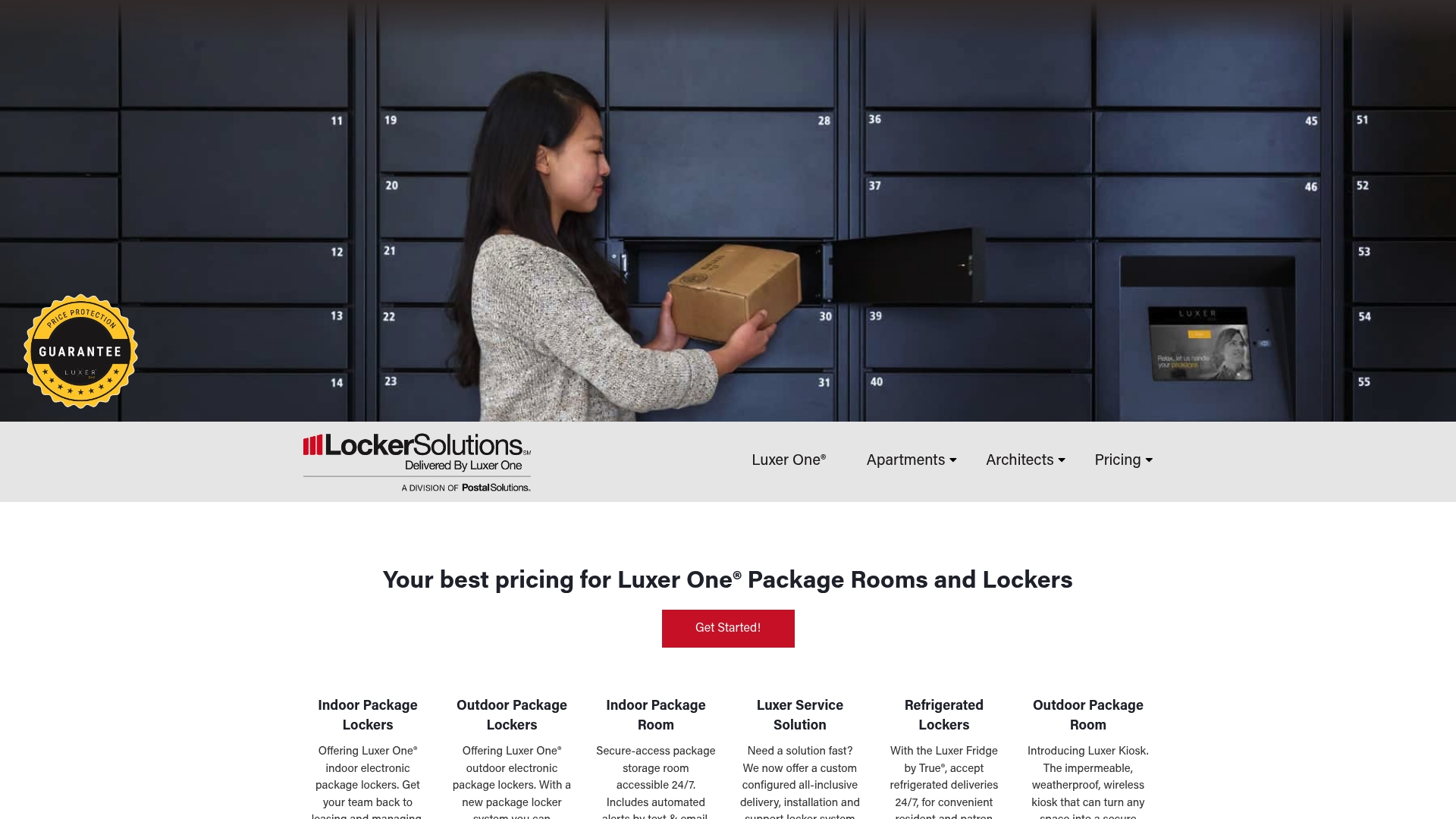
Locker Solutions delivers the full range covered here: Luxer One® electronic lockers, outdoor-rated kiosks for exposed entrances, refrigerated compartments for grocery-heavy communities, and fully automated package rooms for high-volume sites, plus daily package room management service when you’d rather not staff it yourself. Every installation ships with nationwide setup and ongoing support, so you’re not troubleshooting hardware failures on your own six months in.
If you’re specifying a system for a new development or replacing an aging one, request a site assessment. Locker Solutions will model your capacity needs against real delivery volume and return an RFP-ready specification package built around your unit count, climate, and staffing model, not a one-size-fits-all catalog order.
Sources
- A Framework for Solving Multifamily’s Package Management Problem | Insights by Blueprint
- Multifamily Package Management Solutions Impact Resident Retention
- Smart Package Lockers for Apartments: Buyer’s Guide
Recommended
- Compact Locker Design for Urban Properties: A Property Manager’s Guide — Locker Solutions Blog
- Locker Business Models for Multifamily Properties: 2026 — Locker Solutions Blog
- Locker House Guide for Multifamily Property Managers — Locker Solutions Blog
- Smart Lockers for Property Managers: 2026 Guide — Locker Solutions Blog
Ready for a Luxer One® package locker quote?
Tell us your unit count and we'll send right-sized pricing with a fast response time.
Get my free quote