August 27, 2026
The Best Locker Authentication Methods for Facility Security
Discover the best locker authentication methods tailored to your facility's security needs. Ensure safety with effective, layered solutions.
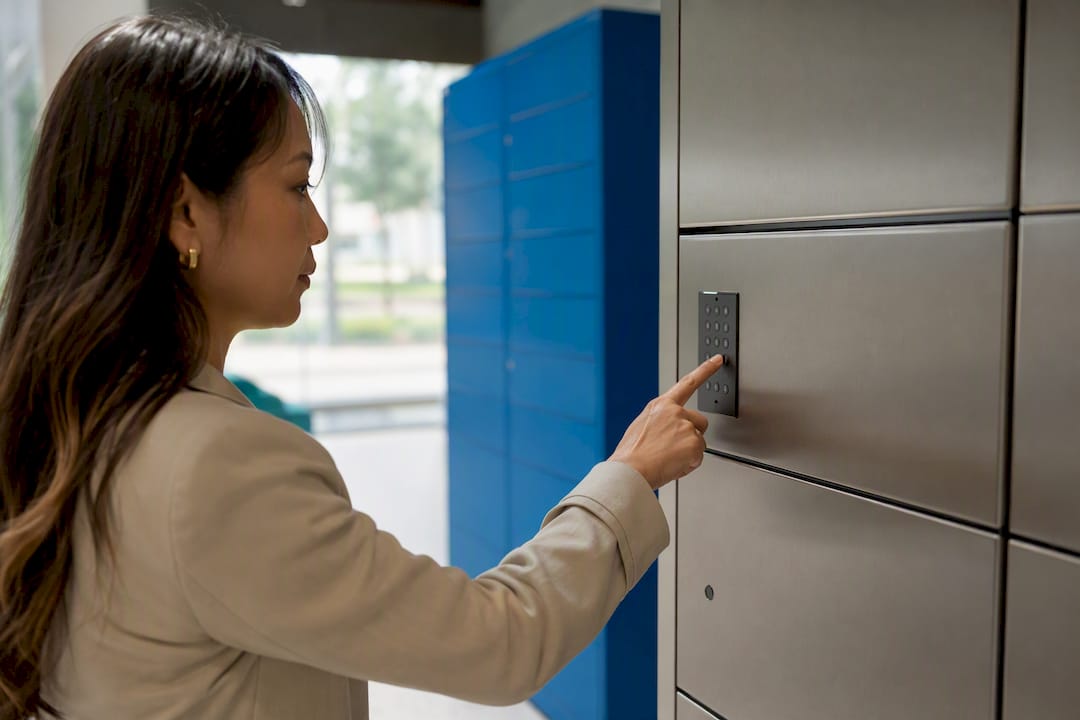
The strongest approach to locker security isn’t picking one authentication method. It’s matching method strength to asset risk, then layering a second factor wherever a breach would actually hurt. A lost package is an inconvenience; a stolen narcotics cabinet or a compromised industrial tool crib is a liability. This guide walks through the full landscape facility managers actually deal with:
- PIN codes for fast, low-friction access
- RFID/NFC cards tied to existing badge systems
- Mobile app, Bluetooth, and QR-based flows
- SMS one-time passwords and email links
- Single sign-on (SSO) and Active Directory integration
- Fingerprint and facial recognition biometrics
Each has a different security ceiling, a different failure mode, and a different fit depending on whether you’re running a multifamily package room, a hospital medication locker, or a warehouse tool crib.
TL;DR:
- Matching each locker authentication method’s security level to the asset’s risk is crucial, especially for high-value or sensitive items.
- Pairing two independent credentials, such as a PIN and an RFID card, significantly improves failure tolerance and security reliability.
- Credential revocation processes should match staff or resident turnover speed to prevent unauthorized access.
- Out-of-the-box multi-authentication support simplifies secure deployment and reduces the risk of single-method failure.
- Operational planning, including fallback and override procedures, is more critical than choosing hardware with marginal security improvements.
Table of Contents
- What Are the Main Locker Authentication Methods?
- Which Authentication Method Fits Which Facility?
- Why Multi-Factor Authentication Matters for Locker Systems
- What Should You Check Before Deploying a Locker System?
- Locker Solutions’ Approach to Secure Access
- What Facility Managers Get Wrong About Locker Security
- Get Secure Package Access Without the Guesswork
- Key Takeaways
- Sources
What Are the Main Locker Authentication Methods?
Every locker authentication method boils down to the same question: how does the system confirm this specific person should get this specific compartment, right now? The answer usually involves something the user knows, something they carry, or something they physically are. Here’s how each option actually functions on the ground.
1. PIN codes
PIN codes remain the workhorse of locker access because they need no extra hardware beyond a keypad. Systems either let users set a personal PIN at enrollment or generate a random code per transaction, and the second approach is far more common in package and delivery contexts because it limits reuse. Codes typically expire after a set window for package pickup, which helps limit the damage if a code leaks in a text message or email. The tradeoff is simple: anyone holding the code gets in, so distribution security matters as much as the code itself.
2. RFID and NFC cards
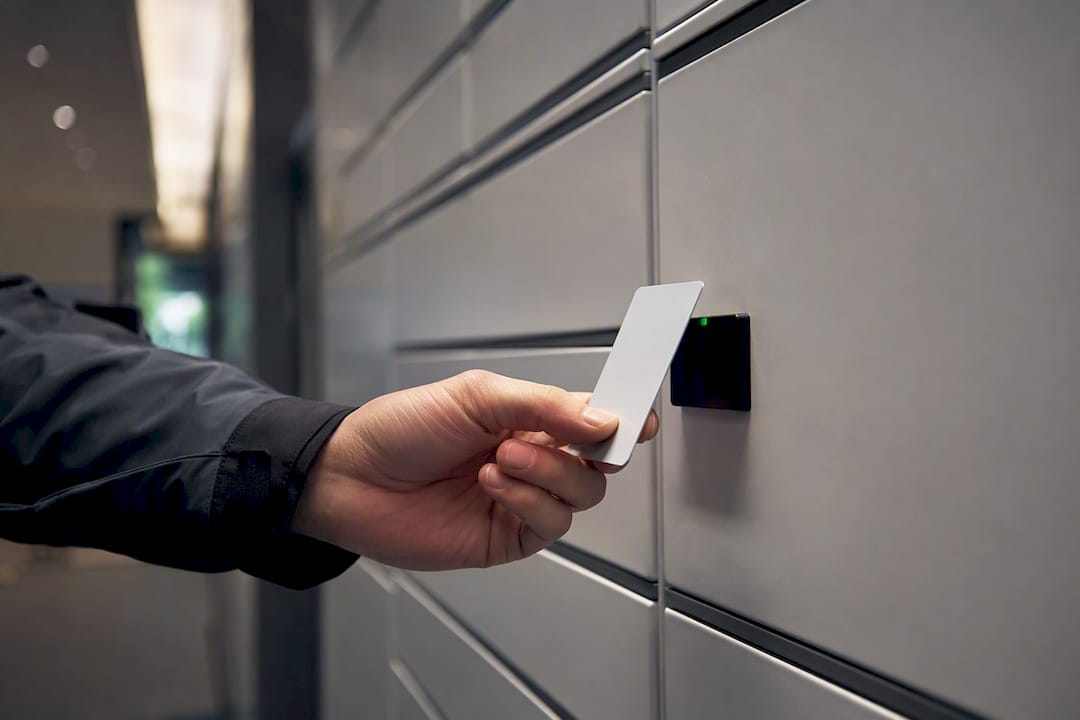
RFID and NFC credentials extend a facility’s existing badge ecosystem to lockers instead of creating a parallel system. A resident or employee taps a card already used for building entry, and the locker checks that credential against the same access list IT already manages. This credential lifecycle, issued, tracked, and revoked centrally, is what makes RFID attractive for enterprise sites with high staff turnover. The catch is hardware cost per reader and the operational reality that lost cards need immediate deactivation to stay secure.
3. Mobile app access (Bluetooth/NFC)
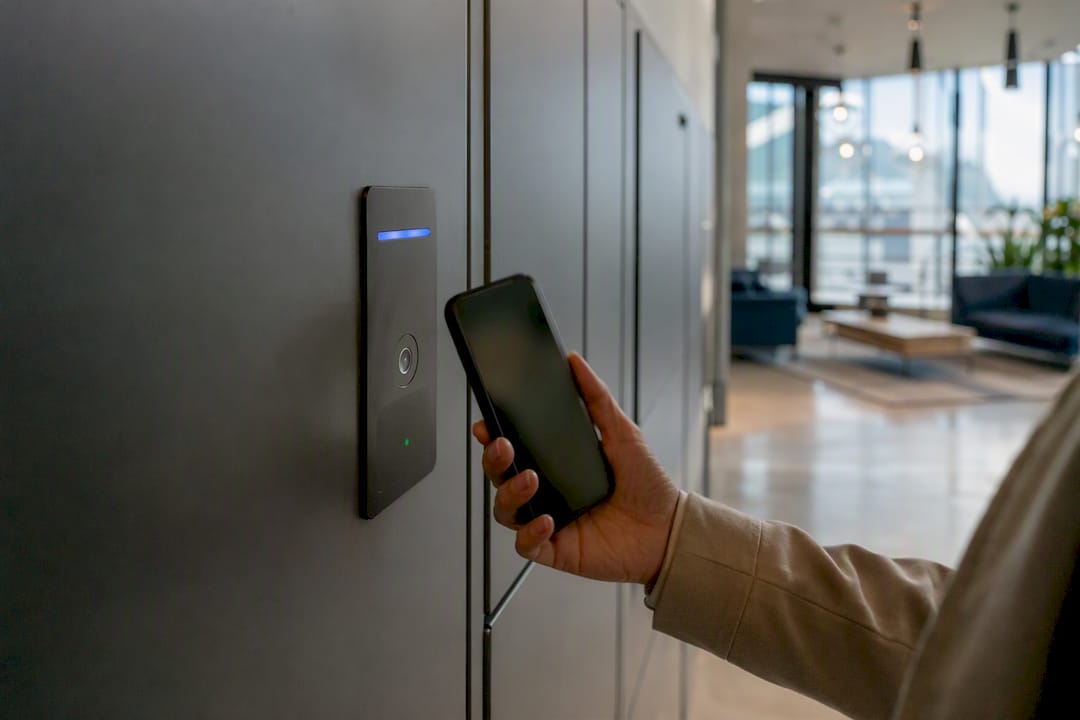
Mobile app authentication uses a smartphone’s Bluetooth or NFC radio to unlock a compartment, often with offline verification that works even when the locker itself has spotty connectivity. This matters more than it sounds: a locker bank in a parking garage basement may have weak cellular signal, so the best mobile implementations cache credentials locally and sync logs once connectivity returns.
4. QR codes and email links
QR codes and one-time email links generate a short-lived token tied to a single transaction, which is why smart locker systems increasingly issue them instead of static codes. Anti-replay logic, expiring the token the instant it’s scanned once, prevents a screenshotted QR code from being reused by someone else.
5. SMS and email OTP
SMS one-time passwords are convenient but carry a real known weakness: SIM-swap fraud can intercept the code before the legitimate recipient sees it, and carrier delivery delays occasionally leave someone standing at a locker bank refreshing their phone. Email OTP avoids the SIM-swap risk but introduces its own delay if a spam filter catches the message.
6. SSO and identity system integration
For enterprise and multi-building portfolios, SAML or OAuth-based single sign-on lets a locker system trust an organization’s existing Active Directory or IAM platform rather than maintaining a separate user database. Role-based access then determines which lockers an employee’s credential can open, which keeps provisioning centralized when someone joins, transfers, or leaves.
7. Biometrics
Fingerprint and facial recognition biometrics offer strong per-user assurance because the credential can’t be handed off or forgotten at home. Hardware limits are real, though: fingerprint scanners struggle with gloved hands, wet skin, or heavy dust, and facial recognition cameras need consistent lighting to perform reliably outdoors. Privacy handling also demands scrutiny, since biometric templates are permanent in a way a PIN never is.
For environments requiring the highest assurance, such as government facilities or pharmaceutical storage, hardware security tokens or PKI-based smart cards add a cryptographic layer that’s far harder to clone than a magnetic stripe or basic RFID tag.
Pro Tip: Match the credential’s revocation speed to your turnover rate. If staff or residents change monthly, a system tied to Active Directory saves far more admin time than one requiring manual PIN resets at every reader.
Which Authentication Method Fits Which Facility?
Security and convenience move in opposite directions almost every time. A PIN code is fast to issue and fast to use, but it’s also the easiest credential to share, guess, or forget written on a sticky note. Biometrics sit at the other extreme: hard to fake, but expensive to deploy and occasionally hard to read in bad weather or with dirty hands. RFID and mobile app credentials land in the middle, offering solid security when integrated with a real identity system and reasonable convenience once the initial enrollment is done.
Certain pairings consistently outperform single-method setups, as seen in tenant portal integrations for package access that streamline resident communications and credential workflows. RFID plus a rotating PIN works well for enterprise tool cribs and industrial storage, where a lost badge alone shouldn’t grant access. Mobile app credentials paired with a time-limited backup code suit multifamily package rooms, since residents get one-tap convenience but still have a fallback if their phone dies at the locker bank.
Locker value tiers help simplify the decision:
- Low-value assets (everyday packages, shared tools): a single strong method, usually a time-limited PIN or QR code, is adequate.
- Medium-value assets (resident belongings, retail BOPIS pickup, office equipment): RFID or mobile app access, ideally tied to an identity system.
- High-value or regulated assets (medications, firearms, sensitive documents, industrial equipment): multi-factor authentication combining two independent methods.
Conference research on smart locker design found that pairing methods, such as phone number plus OTP, or fingerprint plus an emergency backup code, measurably improves both uptime and security because the system doesn’t fail completely when one channel goes down. That’s the real argument for multi-factor: it’s not just about stopping intruders, it’s about making sure a dead phone battery or a broken card reader doesn’t lock out a legitimate user for hours.
Why Multi-Factor Authentication Matters for Locker Systems
Multi-factor authentication (MFA) pairs two independent credential types, something you know (a PIN) with something you carry (a card) or something you are (a fingerprint), so a single lost or stolen credential doesn’t grant full access. IEEE research on IoT-integrated locker systems shows this layered design also protects uptime, since a backup method keeps the system usable when a primary sensor fails.
Getting MFA right operationally means:
- Tying credential issuance and revocation directly to HR onboarding/offboarding or tenant move-in/move-out events, so access disappears the moment someone leaves.
- Logging every access attempt, successful or failed, with timestamps that support both investigations and ISO 27001 audit requirements.
- Building temporary access workflows with hard expiration dates for contractors, delivery staff, or maintenance vendors.
- Encrypting stored biometric templates and credential data according to NIST cryptographic guidance rather than storing raw data locally on the reader.
Pro Tip: Treat biometric enrollment data the same way you’d treat a Social Security number. Store it encrypted, limit who can export it, and document a retention policy before your first fingerprint scanner goes live.
What Should You Check Before Deploying a Locker System?
A deployment checklist keeps procurement decisions grounded in operational reality rather than a vendor’s feature sheet.
- Confirm the locker platform supports SSO or Active Directory sync, along with an open API for provisioning automation, so credential management doesn’t require manual double entry.
- Verify offline behavior. Ask specifically how the system handles credential checks and logs transactions when the network connection drops.
- Check hardware ratings for your climate. Outdoor units need real weatherproofing, and biometric scanners need to function with gloves or in direct sun.
- Ask about firmware update cadence, tamper detection alerts, and support response times before signing a service agreement.
- Build a contingency plan covering admin override procedures, emergency access logging, and how you’ll notify residents or staff during an outage.
Locker Solutions’ Approach to Secure Access
Locker Solutions builds electronic package lockers, refrigerated units, and automated package rooms specifically for multifamily properties, with authentication options ranging from PIN and mobile credentials to full access control integration.
- Reduces staff time spent managing packages manually
- Speeds up resident pickup with 24/7 automated access
- Backed by a nationwide installation and support network
Property teams evaluating biometric and mobile authentication options can see how these methods perform in real multifamily deployments.
What Facility Managers Get Wrong About Locker Security
Most facility teams treat authentication as a single decision: pick the method, install it, move on. That’s backwards. The research on multi-authentication design makes clear that the real engineering problem isn’t choosing the strongest single credential, it’s designing for the moment that credential fails. A fingerprint scanner will eventually misread a cold, dry finger. An RFID card will get left in a coat pocket at home. The facilities that handle this well aren’t the ones with the fanciest biometric hardware; they’re the ones that built a fallback path before they needed one.
The conventional advice, “biometrics are the most secure, so use them everywhere,” undersells the environmental reality of outdoor lockers, industrial gloves, and budget constraints on smaller properties. Biometrics earn their place in specific high-assurance settings, not as a default upgrade.
If you take one thing from this guide, prioritize the fallback and provisioning workflow before the sensor technology. A mediocre credential with airtight revocation and logging beats a cutting-edge scanner with no backup plan when it fails at 11 p.m. on a Friday.
— Locker Solutions
Get Secure Package Access Without the Guesswork
Choosing between PIN codes, mobile credentials, and biometric readers gets a lot simpler when the system already supports all of them out of the box. Locker Solutions builds electronic package lockers and automated package rooms for multifamily properties with flexible access options and unified access control integration that connects with the property management systems you’re already running.
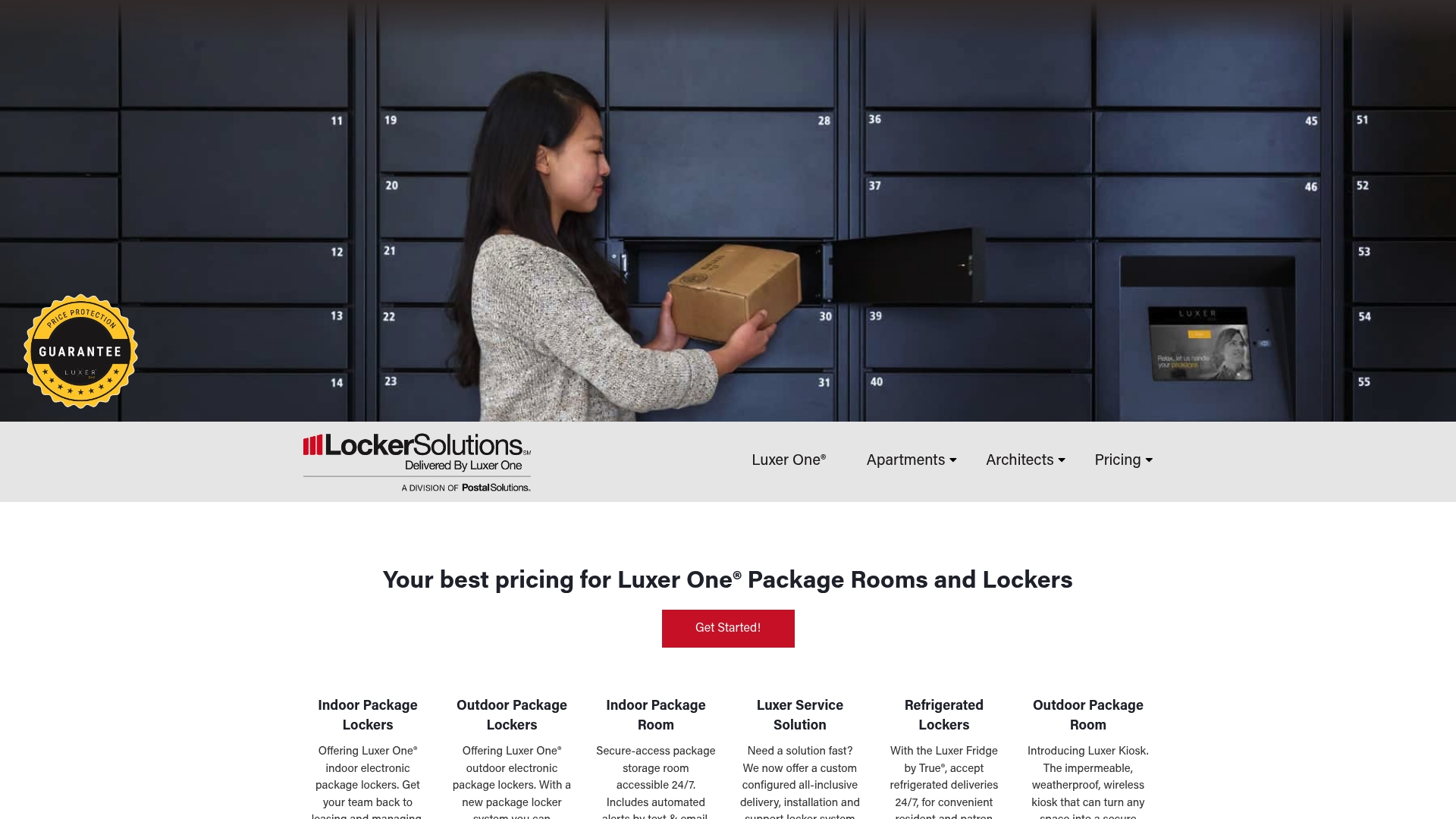
Whether your property needs standard electronic lockers, refrigerated units for grocery deliveries, or a fully staffed package room management service, Locker Solutions handles installation and ongoing support nationwide. Outdoor properties in tougher climates can also review the weatherproof kiosk options built for year-round exposure. Request a quote to see which configuration fits your property’s resident volume and package traffic.
Key Takeaways
Locker authentication security depends on matching each method’s strength to the asset’s risk level, then adding a second factor wherever failure would be costly.
| Point | Details |
|---|---|
| No single best method | PIN, RFID, mobile app, and biometrics each fit different risk and convenience needs. |
| Multi-factor reduces failure points | Pairing two credential types keeps lockers usable when one method breaks. |
| Fallback planning is essential | Build expiration, revocation, and emergency override paths before deployment, not after. |
| Integration cuts admin work | Tying credentials to Active Directory or IAM speeds provisioning and offboarding. |
| Locker Solutions supports flexible access | Its multifamily package lockers offer PIN, mobile, and access control integration with nationwide installation support. |
Sources
- Enhancing Security and Flexibility in Smart Locker Systems: A Multi-Authentication Approach with IoT Integration
- NIST FIPS publications (cryptographic standards)
- ISO/IEC 27001 Information security management
- What Is a Smart Locker | Ricoh USA
Recommended
- How Locker Access Drives Community Satisfaction — Locker Solutions Blog
- Top 3 Lockermd.com Package Locker Alternatives 2026 — Locker Solutions Blog
- Space-Efficient Locker Configuration: A Developer’s Guide — Locker Solutions Blog
- Top 6 Carrier Agnostic Package Lockers Alternatives 2026 — Locker Solutions Blog
Ready for a Luxer One® package locker quote?
Tell us your unit count and we'll send right-sized pricing with a fast response time.
Get my free quote