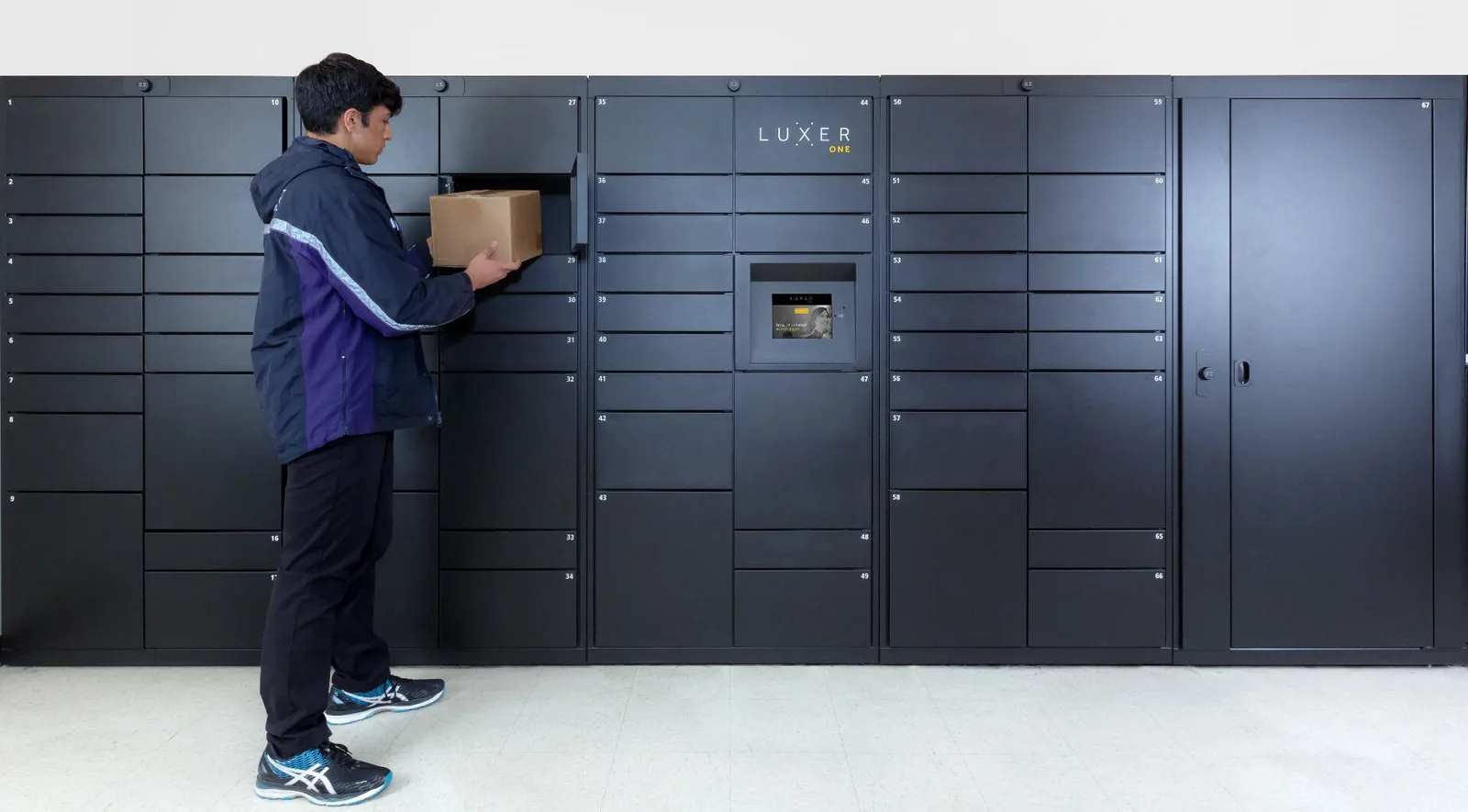
Workflow guide
How do parcel lockers work?
A step-by-step look at the automated delivery and pickup cycle used by apartment parcel lockers. From carrier scan to resident pickup, every step is logged, secure, and staff-free.
A parcel locker removes the front-desk package pile by turning delivery into a self-service workflow. Carriers do not need resident codes, leasing staff do not sign for boxes, and residents can pick up packages at any time. This guide walks through each step from the carrier's arrival to the compartment being ready for the next delivery.
If you are just getting started, read our companion guide, what is a parcel locker? for definitions, types, and cost ranges. For a quick answer, the entire cycle is summarized below.
The short version
- Carrier scans the label
- Locker assigns the right compartment
- Resident gets a one-time code
- Resident picks up 24/7
- Every action is logged
Need a parcel locker system for your property?
Tell us your unit count and location. We'll recommend the right indoor, outdoor, refrigerated, or package-room configuration.
Step-by-step workflow
The parcel locker delivery cycle
Every delivery follows the same six steps. Carriers learn it on their first visit; residents use it every day without staff help.
Carrier scans the label
The driver walks up to the locker terminal and scans the package's shipping barcode. The kiosk reads the label in seconds and starts the delivery workflow.
AI reads the recipient
Optical character recognition and label parsing extract the resident name, unit number, and carrier. The system matches the package to the right apartment in the property database.
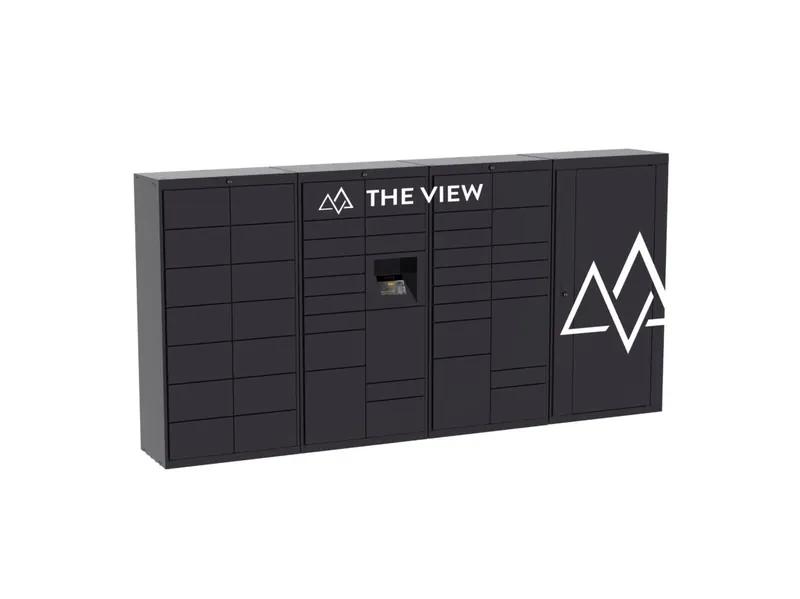
Locker assigns a compartment
The system finds the smallest empty compartment that fits the package and unlocks only that door. Mixed-size compartments mean small boxes never waste large doors and oversized items can be handled separately.
Mixed compartment sizes are why indoor parcel lockers and outdoor kiosks can serve the same property footprint differently.
Carrier places the package
The driver puts the package inside, closes the door, and the lock secures automatically. A delivery photo can be captured for the resident record.
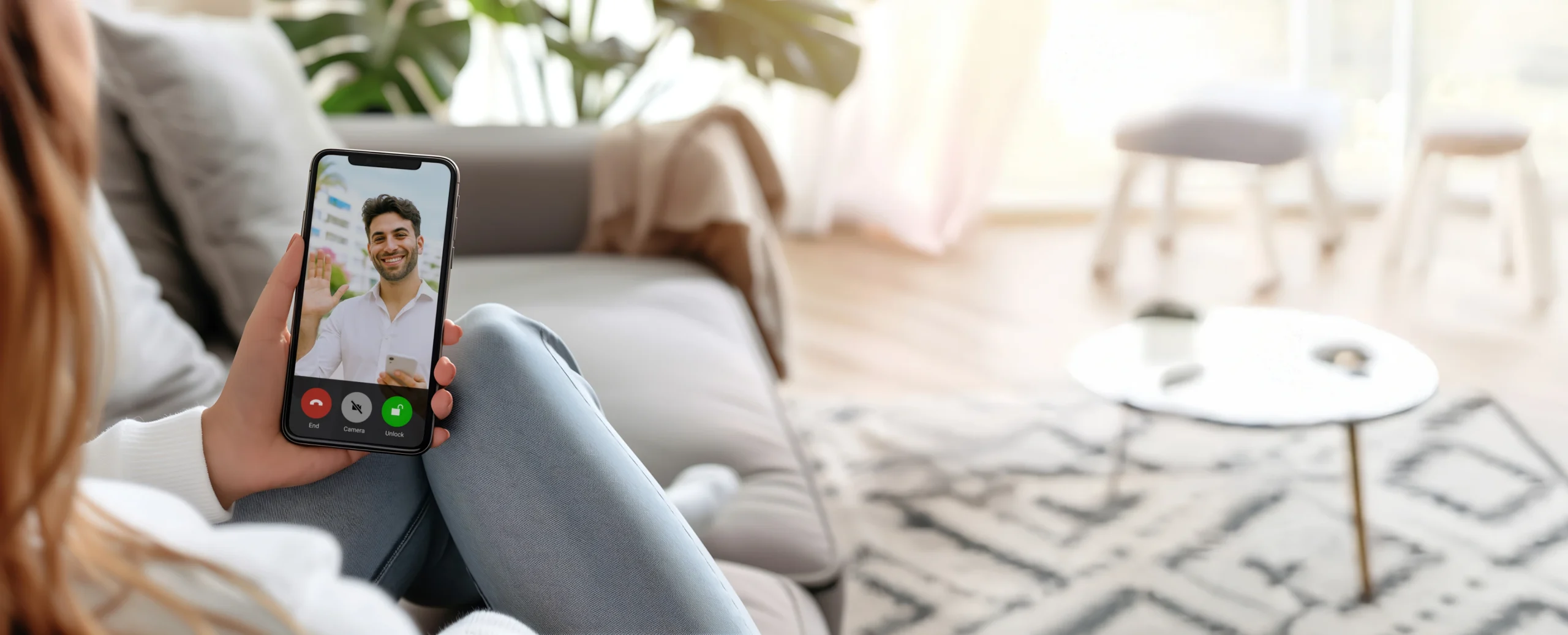
Resident receives a notification
The resident gets a text, email, or app push with a one-time pickup code and a photo of the delivered item. Notifications are sent automatically — no staff action required.
Notifications can also include photo proof of delivery, so residents know exactly what was dropped off before they walk to the locker.
Resident retrieves and compartment resets
The resident enters the code or taps the app, the door opens, and the package is removed. The locker logs the pickup and the compartment becomes available for the next delivery.
What happens next
Pickup exceptions and overflow handling
The workflow does not end when the door closes. Parcel lockers also handle missed pickups, forgotten codes, and oversized deliveries automatically.
Missed pickup
Automatic reminders go out before the hold window expires. If the package is not retrieved, staff get an overdue alert and can move it to a package room.
Lost or forgotten code
Residents resend the code from the app instantly. Staff can also reissue it from the dashboard, so no lockout or service call is needed.
Oversized or overflow
Large packages are routed to a smart package room or oversized compartment. The system still logs the delivery and alerts the resident.
Why the pickup cycle matters for property managers
Before parcel lockers, every package required a person at the front desk to receive it, sort it, notify the resident, and hand it over. That created a daily bottleneck, especially during peak delivery seasons. The automated cycle replaces manual handoffs with a logged, self-service workflow that runs 24/7 and scales with delivery volume. Staff only intervene when the system asks for help — an overdue pickup, an oversized item, or a resident request.
For a deeper look at the business case, see Luxer One® pricing and cost per unit or compare smart package rooms for high-volume buildings.
Ready to see the workflow in your building?
Get a tailored Luxer One® recommendation and a written quote backed by our Price Protection Guarantee.
Configurations
The same workflow, different hardware
Whether the locker sits in a leasing lobby, outside in a courtyard, or in a refrigerated room, the carrier-to-resident workflow is the same. The difference is where the hardware lives and what it is built to handle.
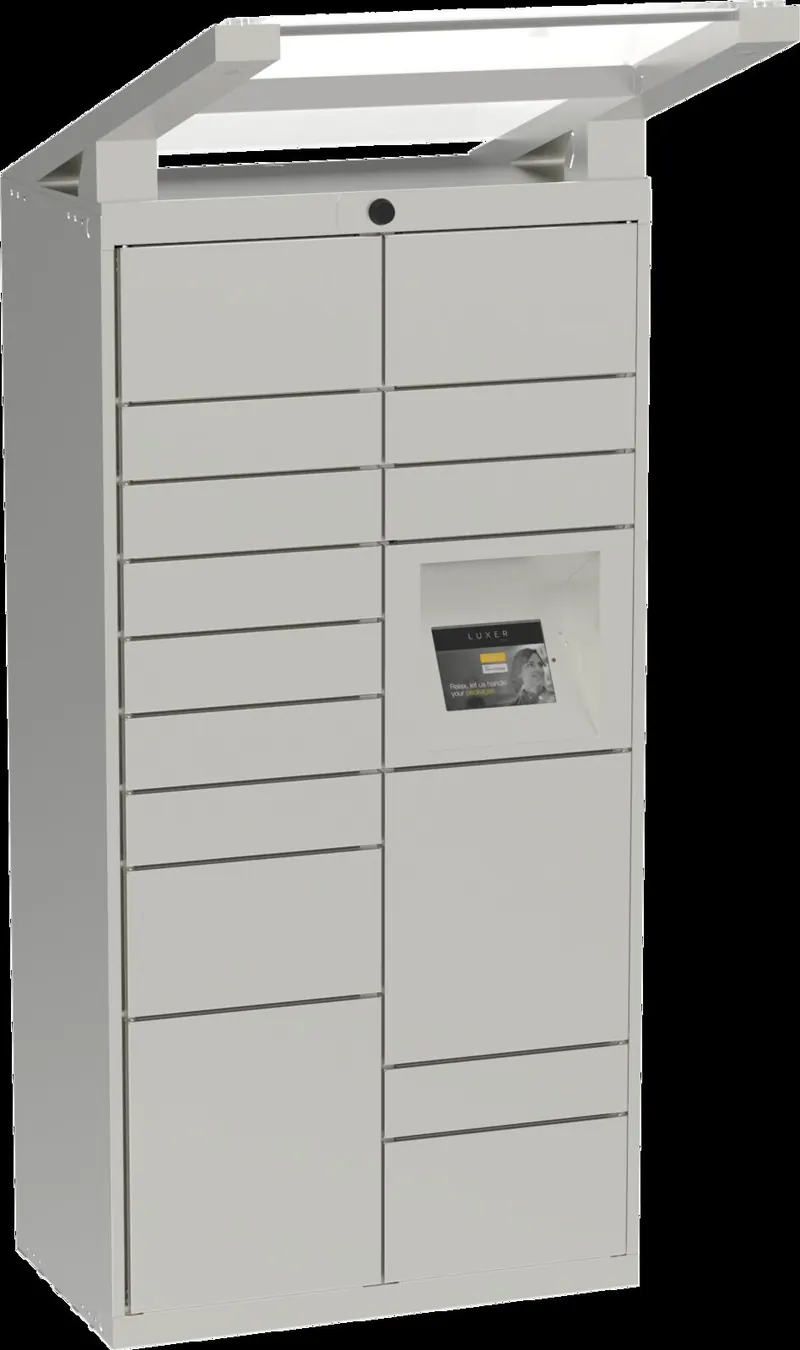
- Indoor lockers: Best for lobbies and mailrooms with consistent foot traffic.
- Outdoor kiosks: Weather-rated for garden-style apartments with no staffed lobby.
- Refrigerated lockers: Keep grocery and meal-kit deliveries at safe temperatures.
FAQ
Common questions about parcel locker workflow
How does a parcel locker work from start to finish?
A carrier scans the package label at the locker terminal. AI reads the recipient and unit, the system assigns an empty compartment that fits the package, and the carrier places the item inside. The resident then receives a text, email, or app notification with a one-time pickup code. The resident enters the code or opens the door from the app, takes the package, and the compartment is freed for the next delivery. Every action is logged automatically.
Do delivery drivers need training to use a parcel locker?
No. The carrier workflow is designed to be intuitive: scan the label, confirm the recipient, and the locker opens the correct compartment. Most drivers complete a drop-off in under 30 seconds on their first visit. There are no resident codes to manage and no front-desk signatures required.
What happens when a resident gets a package?
The resident receives an automatic notification with a unique pickup code and a delivery photo. They walk up to the locker, enter the code on the touchscreen or tap Open in the Luxer One® app, and the correct door opens. After removing the package, they close the door and the system marks the pickup as complete.
How long does a package stay in a parcel locker?
Properties set the hold window, typically 24 to 72 hours. Automated reminders are sent as the deadline approaches, and staff receive an overdue report so they can move the package to a package room or oversized compartment if needed. This keeps locker turnover high and prevents capacity problems during peak delivery seasons.
What happens if a package is too large for the locker?
Oversized packages are routed to a smart package room or an oversized compartment. The system still logs the delivery and notifies the resident, so nothing is left unattended. With an optional on-site package management service, staff can receive and hand off oversized items during scheduled hours.
Can multiple carriers use the same parcel locker?
Yes. A true multifamily parcel locker system accepts USPS, UPS, FedEx, Amazon, DHL, and regional grocery or meal-kit couriers. Each carrier uses the same standardized workflow, so no single carrier owns the hardware or the resident experience.
What happens when a resident loses or forgets their code?
The resident can resend the code from the app instantly, or property staff can reissue it from the management dashboard. Because access is tied to the resident account, there is no lost-key problem and no need for a maintenance call to rekey a lock.
Does the property manager see every delivery and pickup?
Yes. The management dashboard shows a timestamped log of every scan, compartment assignment, drop-off, and pickup. This chain of custody reduces theft claims, helps resolve delivery disputes, and shows how many packages arrive per day so staff can plan capacity.
Free quote
See how parcel lockers work at your property
Get a tailored Luxer One® recommendation for your building. Share your unit count and a few details and a locker specialist will send pricing the same business day — backed by our written Price Protection Guarantee.
Related reading
- Apartment package solutions terminology guideLocker, package room, kiosk, concierge — what each term means, plus spec and RFP language you can copy.
- Top resident service improvements for property managersHow to sequence resident-service upgrades over 12 months and which metrics prove each one worked.
- Package room vs. package lockersWhich setup fits your building's volume, oversize mix, and available space.
- Apartment package locker cost and ROIWhat lockers cost, what they replace in staff labor, and how the payback math works.