October 1, 2026
Cut Staff Time: 24/7 Package Pickup for Multifamily, Installs in Weeks
Discover how 24/7 package pickup with smart lockers and managed rooms reduces staff hours, improves resident retention, and installs in weeks.

For multifamily properties, 24/7 resident pickup is best delivered by self-serve smart lockers and integrated package-room systems, paired with managed services where space or volume demands it. This combination gives residents secure access at any hour, cuts theft complaints, and pulls staff out of the daily grind of signing for boxes and chasing down recipients.
TL;DR:
- Nearly all residents consider secure, 24/7 retrieval access essential, with weekly locker use and high demand during holidays stressing property operations.
- Hybrid systems combining lockers for daily volume and package rooms for oversized or overflow packages are most common, though cost and space often limit deployment.
- Key evaluation factors include matching locker sizes to package dimensions, ensuring weatherproof outdoor units, and verifying automatic label reading for carrier deliveries.
- Successful implementation depends on proper placement, infrastructure readiness, appropriate sizing, clear resident communication, and proactive maintenance routines.
- Modern systems favor integrated credentials, AI label reading, and dynamic compartment sizing, but reliability and maintenance planning remain vital for real-world performance.
Table of Contents
- Why 24/7 package pickup matters now
- Options that deliver 24/7 package pickup
- How to evaluate 24/7 pickup solutions before you buy
- Implementation checklist: space, sizing, and timeline
- Operational best practices that keep pickup reliable
- Access control and compliance considerations
- Maintenance requirements and troubleshooting common issues
- Technology standards and future trends in package pickup
- Locker Solutions’ perspective on what actually works
- How Locker Solutions can help you get there
- Sources
- FAQ
Why 24/7 package pickup matters now
Deliveries keep landing at the leasing office door, and residents keep expecting to grab their packages whenever they get home, not just during office hours. Where properties have added parcel lockers, the payoff shows up quickly in how residents actually use them.
A large majority of residents who use parcel lockers check them weekly, according to Parcel Pending’s 2025 Resident Preferences Report, and nearly all say secure holding until they can retrieve a package matters to them. That kind of habitual use turns a locker wall from a convenience into an expectation.
The operational case is just as clear:
- Package volume regularly spikes during the holidays, straining staff who handle intake and notifications by hand, per NMHC.
- Communities without 24/7 access see more porch piracy complaints and more resident calls asking where a package went.
- Properties offering round-the-clock pickup report a leasing edge because prospective residents now treat package security as a baseline amenity, not an upgrade.
Options that deliver 24/7 package pickup
Three delivery models cover most multifamily scenarios, and many properties end up blending them.
- Self-serve electronic lockers: A carrier scans a package into an assigned or dynamically sized compartment, the system sends the resident an alert, and the resident retrieves it any time using a code, app, or credential. This model handles the bulk of daily parcel volume with minimal staff involvement.
- Credentialed package rooms: A secured room with shelving and access control lets carriers drop off higher volumes or oversized items that don’t fit standard lockers. Access control keeps the room resident-only while giving management an audit trail of every entry.
- Managed package-room services: A provider staffs and organizes the room daily, useful for properties with heavy volume, no on-site staff dedicated to packages, or space too limited for a full locker bank.
Most properties do better with a hybrid setup: lockers for everyday volume, a package room or shelving for overflow and oversized boxes. Multi-Housing News reports that a majority of buildings now have a dedicated package space, though cost, limited site space, and poor placement options remain the top reasons some properties still lack lockers. A package room versus lockers comparison can help narrow which mix fits a given floor plan.
How to evaluate 24/7 pickup solutions before you buy
A good evaluation covers three lanes: what the system does, how it runs day to day, and what it costs once installed.
On the technical side, confirm the locker mix matches your package sizes, ask whether refrigerated units are available for perishables, check the weatherproof rating for outdoor kiosks, and verify the system can read carrier labels automatically rather than relying on manual entry. Multiple access methods and a searchable audit log should be standard, not optional add-ons.
Operationally, ask about the install timeline, what training staff and carriers receive, whether service level agreements cover response times for outages, and how the system handles overflow during a surge week.
- Get a written installation timeline before signing, not a verbal estimate.
- Ask how disputes over “delivered but missing” packages get resolved.
- Request references for properties of similar unit count and package volume.
- Confirm whether software updates and maintenance are included or billed separately.
On cost, compare buying against leasing, ask about financing terms, estimate staff hours saved against the monthly service or lease cost, and treat resident retention as part of the return, not just a bonus. A closer look at locker cost and ROI drivers is worth reading before a procurement meeting.
Pro Tip: Ask any vendor for a same-day and 48-hour pickup rate from an existing installed site. That single figure tells you more about real-world reliability than a spec sheet ever will.
Red flags include vendors who can’t name a concrete install date, systems that lock residents out during power or network outages, and contracts silent on maintenance response times.
Implementation checklist: space, sizing, and timeline
Getting from decision to working system takes planning across four areas.
- Placement: Put lockers where carriers can reach them without navigating stairs or badge-only doors, keep them visible for security, and protect outdoor units from direct weather exposure.
- Infrastructure: Confirm power and network access at the chosen site early, and check ADA clearance requirements for at least a portion of compartments.
- Sizing: Base the locker count on unit count and expected weekly package volume, keep a mix of compartment sizes for oversized deliveries, and add refrigerated units if grocery and meal-kit delivery is common in the building.
- Timeline: Installation on a ready site typically moves faster when permitting and electrical work are handled ahead of delivery; delays usually trace back to site prep, not the hardware itself.
Seasonal capacity deserves its own plan. NMHC notes that package counts can significantly increase around the holidays, and properties commonly respond with temporary overflow shelving, short-term staffing, or added locker capacity rather than scrambling in December. Clear signage and resident communication about holiday pickup windows reduce confusion before it starts. For a deeper look at combining these elements into a single workflow, see this guide to secure package delivery for multifamily buildings.
Operational best practices that keep pickup reliable
A locker system is only as good as the habits built around it. Carrier compliance is the first hurdle: post clear signage at the delivery point, walk new carriers through the drop-off process, and keep an escalation path ready for repeat noncompliance. The NAAHQ amenity spaces report points to carrier tutorials, signage, and occasional incentives as the most common fixes when drivers skip the lockers.
- Send pickup alerts the moment a package is scanned in, not on a delayed batch.
- Follow up with a retention reminder before a package ages out of the system.
- Post holiday-specific pickup instructions when volume spikes are expected.
- Review camera footage and access logs after any reported incident.
Refrigerated lockers need their own policy: shorter retention windows and clear labeling prevent spoiled groceries from sitting for days.
Pro Tip: Set refrigerated locker retention to roughly half the standard window. Perishables left too long create complaints that are hard to walk back.
Access control and compliance considerations
Round-the-clock access only works if the credential system doesn’t lock people out or violate building codes. DOOR’s 2026 access control guidance recommends supporting mobile credentials, key fobs or cards, and PIN codes as backups so a dead phone battery never strands a resident outside a package room.
- Never rely on a single device or app as the only way in.
- Design entry points so credential readers never interfere with single-motion egress required by life-safety codes.
- Keep credential issuing and revoking centralized so a move-out immediately cuts off access.
- Maintain an audit trail for every entry, useful for resolving disputes and investigating incidents.
Centralized credential lifecycle management and audit trails are considered best practice for multifamily access systems, per DOOR’s compliance guidance, because they give property teams a clear record when something goes wrong.
Maintenance requirements and troubleshooting common issues
Lockers and access systems need routine attention to keep working at 2 a.m. as reliably as at 2 p.m. Software updates should happen on a predictable schedule, ideally pushed remotely rather than requiring an on-site technician for every patch. Hardware wear shows up first at touchpoints: door hinges, keypads, and card readers see the most use and should be checked on a regular walkthrough rather than waiting for a complaint.

Common issues tend to repeat across properties. A jammed compartment door is usually the fastest fix and the most frequent complaint, so staff should know the manual override procedure. Network drops can stall notifications even when the locker itself works fine, so confirm whether the system stores pending alerts and resends them once connectivity returns. Label-reading errors happen when a carrier’s barcode is damaged or poorly printed, which is why a manual entry fallback matters as much as the automated scan.
Refrigerated units add a mechanical layer: compressors and seals need periodic checks, since a failed unit doesn’t just inconvenience a resident, it risks spoiled food and a harder complaint to resolve. Battery backups for access control panels also deserve a place on the maintenance calendar, since a power outage should never mean a resident can’t retrieve a package they already paid for.
A responsive maintenance plan, paired with a vendor that answers service calls quickly, keeps the system dependable enough that residents stop thinking about it and just use it.
Technology standards and future trends in package pickup
The technology behind 24/7 pickup keeps narrowing the gap between a locker bank and a fully automated delivery hub. AI-assisted label reading now handles most carrier barcodes automatically, cutting the manual entry errors that used to bottleneck package rooms. Integration with property management software means a resident’s access credential, lease status, and package notifications live in one system instead of three disconnected ones.
Unified credentialing is the direction most systems are heading: the same mobile app or fob that opens a resident’s building door increasingly opens their package locker too, reducing the number of separate logins and cards a resident has to manage. That consolidation also simplifies the audit trail property managers rely on for compliance and incident review.
Expect continued movement toward dynamic compartment sizing, where a system allocates locker space based on package dimensions rather than fixed slots, squeezing more capacity out of the same footprint. Refrigerated and climate-controlled compartments are also becoming a more standard line item as grocery and meal-kit delivery volume grows, rather than a niche add-on reserved for luxury properties.
None of this replaces the fundamentals: reliable power, a network connection that doesn’t drop, and a maintenance plan that catches problems before residents do. The technology layer matters most when it’s built on that foundation.

Locker Solutions’ perspective on what actually works
Most of the friction in 24/7 pickup comes down to reliability, not features. Locker Solutions works with Luxer One® hardware across indoor, outdoor, and refrigerated lockers, along with automated package rooms, and installs on ready sites within weeks. White-glove installation means the hardware, alerts, and video surveillance are configured before residents ever touch a keypad.
What tends to surprise property teams is how quickly staff time savings show up once carriers adapt to the new drop-off routine, usually within the first couple of weeks. The bigger lesson: a system that’s easy for carriers to use correctly is just as important as one that’s easy for residents to open.
— Locker Solutions
How Locker Solutions can help you get there
Locker Solutions works directly with property teams to spec and install the right mix for a given building, whether that’s indoor or outdoor lockers, a refrigerated locker bank, or a fully managed package room.
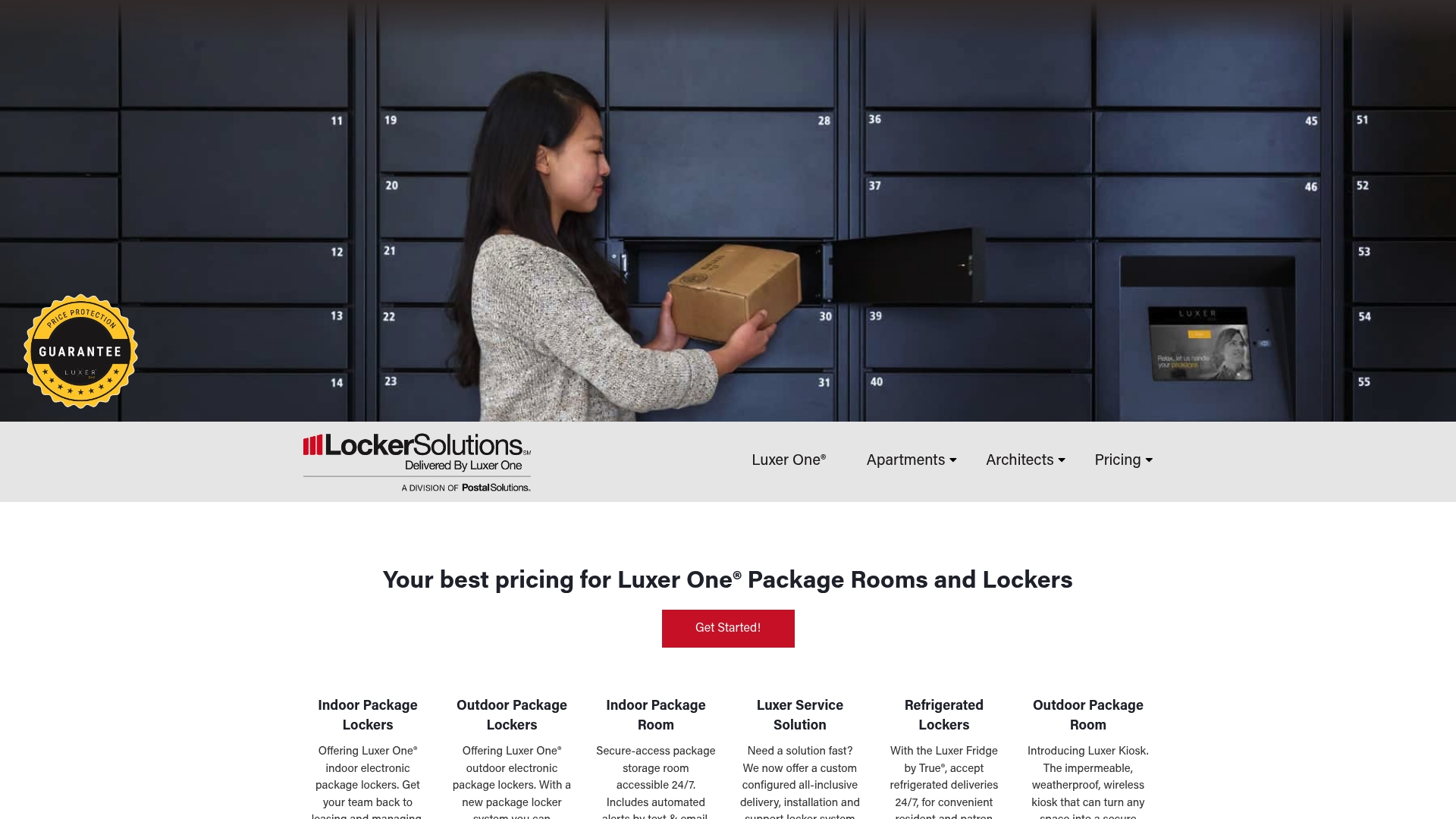
- Indoor Parcel Lockers and Outdoor Parcel Kiosks sized to your property’s package volume.
- Smart Package Room and Refrigerated Lockers for overflow and perishable deliveries.
- Luxer Access unified credentialing and On-site Package Management for properties that want daily staffing handled for them.
- White-glove install with a short deployment timeline on ready sites.
Request a site assessment through the Locker Solutions product overview to get sizing and configuration options specific to your building.
Sources
- Key Findings from Parcel Pending’s 2025 Resident Preferences Report | National Apartment Association
- Handling the Package Delivery Challenge - Multi-Housing News
- Access Control Compliance Requirements (2026 Update) | DOOR
- New technology tackles holiday package delivery crunch | NMHC
FAQ
What counts as 24/7 package pickup for apartments?
It refers to resident-accessible smart lockers or managed package rooms that let residents retrieve deliveries at any hour without staff present. Carriers drop packages into a secured compartment or room, and residents use a code, app, or credential to retrieve them whenever they choose.
How many lockers does a property actually need?
The right count depends on unit count and weekly package volume, with most properties mixing compartment sizes to handle both small envelopes and larger boxes. A package room versus lockers comparison walks through sizing considerations in more detail.
How long does a locker installation take?
On a site that’s ready with power and network access, installation of Luxer One® systems typically completes within weeks. Delays usually come from permitting or site prep rather than the hardware itself.
Do 24/7 lockers reduce package theft?
Properties with secured lockers report fewer porch piracy complaints since packages stay locked until the resident retrieves them, and residents surveyed by Parcel Pending rank secure holding as a top priority. Access logs and video surveillance add a further layer of accountability if a dispute comes up.
What happens if a resident’s phone dies and they can’t open the app?
A well-designed system supports backup credentials like a key fob, card, or PIN code so access never depends on a single device. DOOR’s access control guidance recommends this multi-credential approach as standard practice for multifamily properties.
Recommended
Ready for a Luxer One® package locker quote?
Tell us your unit count and we'll send right-sized pricing with a fast response time.
Get my free quote