August 30, 2026
Deploy in 2–4 Weeks: Contactless Package Pickup for Property Managers
Practical checklist for property managers: evaluate, procure, and deploy smart lockers and package rooms with timelines, costs, and audit trail controls.
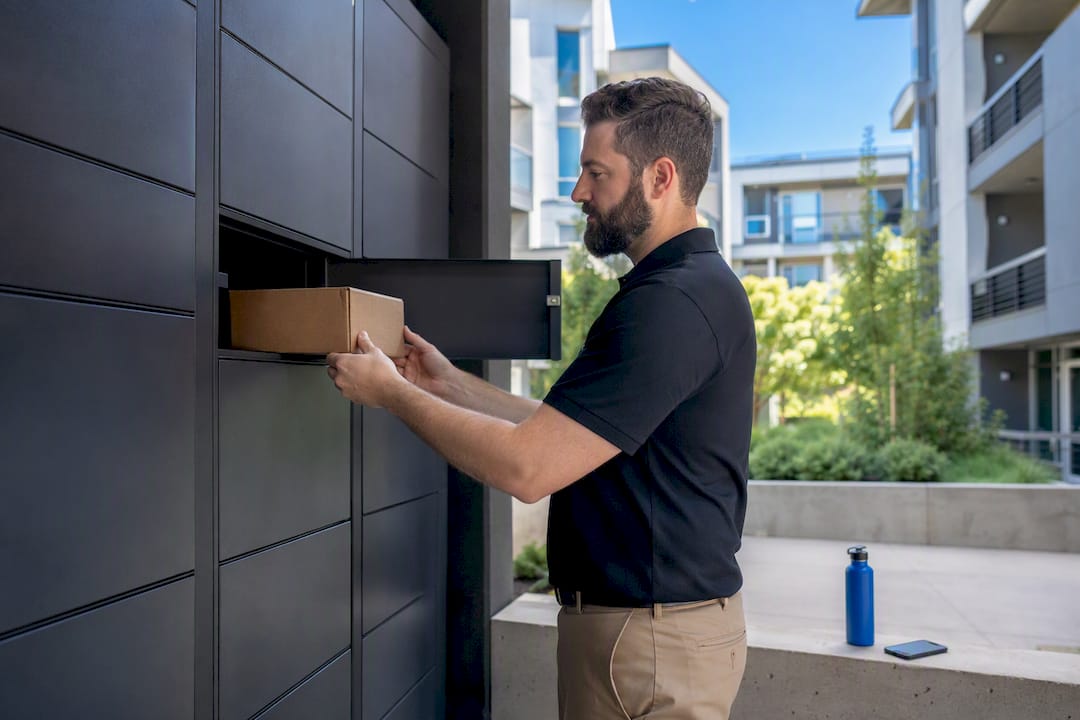
Contactless package pickup lets residents retrieve deliveries without a face-to-face handoff, using a code, QR scan, or app credential instead of a staffed desk. For multifamily properties, the strongest version of this is a smart locker or automated package room, because it pairs 24/7 access with a time-stamped digital audit trail that cuts theft, disputes, and staff hours spent chasing missing boxes.
TL;DR:
- Contactless package systems must be scaled according to property size and delivery volume, with options ranging from lockers to automated rooms.
- Workflow components include courier scanning, instant resident notification, one-time credentials, and comprehensive digital proof of pickup.
- Property managers should require lockers have refrigerated compartments, customizable configurations, integration with management systems, and detailed audit logs.
- Regularly reviewing admin logs and insisting on video and alert features mitigate theft, disputes, and staff inefficiency amid rising e-commerce volume.
- Deployment typically takes 2 to 12 weeks depending on customization, with costs driven by hardware size, outdoor installation, and service models.
Table of Contents
- What Types of Contactless Package Pickup Exist?
- How Does a Contactless Pickup Workflow Actually Work?
- Why Do Digital Audit Trails Reduce Disputes and Loss?
- What Should Property Managers Require in a Locker System?
- How Do You Roll Out Contactless Pickup at a Multifamily Property?
- What Drives the Cost and Timeline of a Locker System?
- How Can Residents Avoid Failed Pickups?
- Locker Solutions’ Take on Where Contactless Pickup Is Headed
- Ready to Upgrade Your Property’s Package Pickup?
- Sources
What Types of Contactless Package Pickup Exist?
Not every property needs the same setup. The right model depends on unit count, delivery volume, and how much staff time you’re willing to spend babysitting packages.
- Smart lockers: Modular units with a mix of compartment sizes, common in apartment lobbies and mailrooms. Best for mid-size to large communities with steady daily volume.
- Automated package rooms: A walk-in space where couriers deposit parcels directly onto shelves scanned by camera and sensor systems, ideal for high-volume properties that outgrow individual lockers.
- Curbside and BOPIS (buy online, pick up in store): Common at big-box retailers, where staff or a self-service kiosk hands off orders placed for pickup rather than home delivery.
- Doorstep drop-off with photo proof of delivery: The default for most residential carrier deliveries today, relying on a courier photo and app notification instead of a locker.
- Carrier-managed pickup points: Networks like USPS gopost units, which issue a unique passcode for retrieval and accept parcels up to set size limits.
Smaller properties often combine doorstep drop-off with a modest locker bank, while larger communities lean on automated package rooms and layer in refrigerated compartments for grocery and meal-kit deliveries.
How Does a Contactless Pickup Workflow Actually Work?
Every contactless system follows a similar sequence from drop-off to retrieval, even when the hardware differs.
- Courier arrival and scan. The delivery driver scans the package barcode or enters recipient details at a kiosk, which assigns it to an open compartment.
- Notification. The resident gets an app or text alert, often within seconds, confirming the parcel is ready and specifying pickup instructions.
- Credential issued. The system generates a one-time PIN, QR code, or barcode, similar to the contactless pickup lockers Lowe’s rolled out to many stores for same-day retrieval.
- Proof of delivery. The locker or app captures a photo, timestamp, or digital signature the moment the door closes, forming the record of custody described in how contactless delivery works.
- Retrieval. The resident scans their code, the compartment unlocks, and the system logs the exact pickup time.
- Log storage. Every event, drop-off, notification, and retrieval, gets stored in a cloud dashboard property staff can search later.
Some carriers integrate directly with a property’s access control platform, letting a single credential work across the building entrance and the locker bank, which cuts down on separate logins for residents.
Why Do Digital Audit Trails Reduce Disputes and Loss?
Chain of custody is the whole game here. A timestamped log paired with photo proof of delivery tells you exactly who dropped a package, when, and who retrieved it, which removes the “he said, she said” argument that eats up leasing office hours.
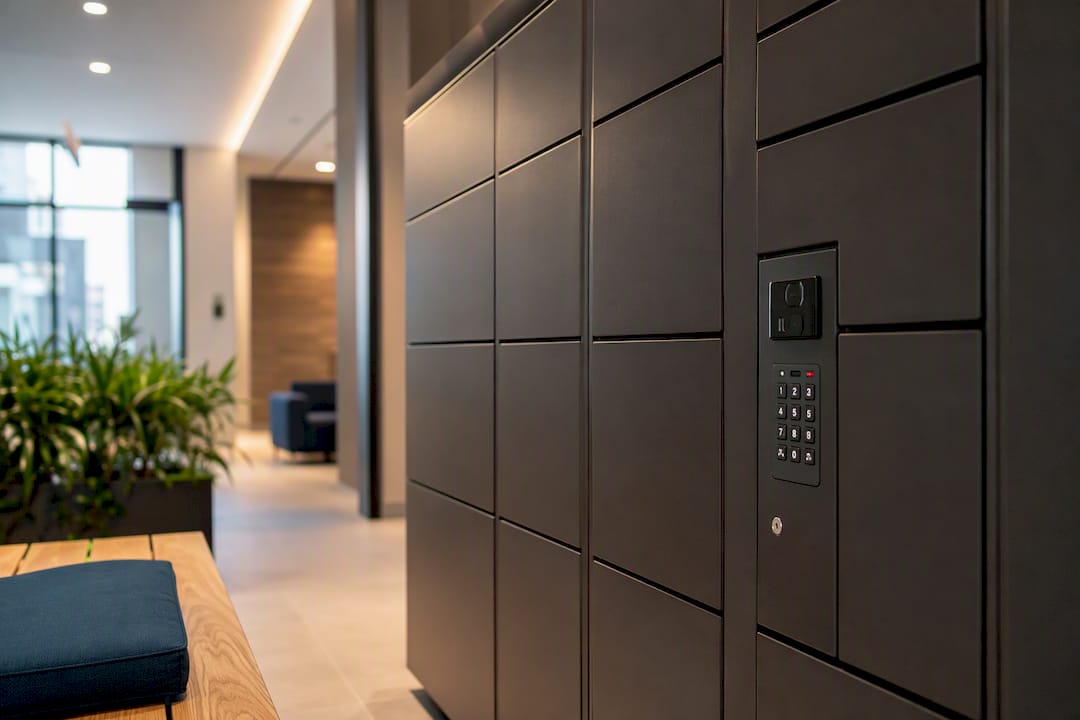
Property managers should demand a specific set of controls before signing any contract. Video integration at the locker bank, admin-level logs showing every open and close event, and automated alerts for packages sitting unclaimed past a set number of days all matter. Without these, a locker is just a fancier mailbox.
Statistic Callout: Rising e-commerce volume, tracked in Census Bureau retail data, keeps pushing more parcels through last-mile delivery networks every year, which means the properties without a verifiable audit trail absorb more of that volume as staff time and liability risk.
Pro Tip: Pull your locker system’s admin log once a month, even when nothing’s gone wrong. Spotting a pattern (say, a specific carrier consistently overriding compartment assignments) is a lot cheaper than discovering it after a resident files a complaint.
What Should Property Managers Require in a Locker System?
A procurement checklist keeps vendor conversations grounded in specifics instead of marketing language.
- Hardware: a mixed-size compartment layout, at least one refrigerated section for perishables, and weatherproof housing if the bank sits outdoors or in an unheated breezeway.
- Software: unique single-use codes per delivery, automated resident notifications, an admin dashboard with searchable logs, and integration with your property management system.
- Service: professional installation, a documented maintenance service level agreement, a real warranty term, and support onboarding major carriers so drivers aren’t guessing at drop-off steps.
Skip any vendor who can’t answer specifics on all three categories in the first conversation.
How Do You Roll Out Contactless Pickup at a Multifamily Property?
Deployment follows a predictable arc, though timelines shift based on property size and how much customization you need.
- Site survey and capacity planning. Measure current package volume and reserve extra headroom for peak seasons, since undersized locker banks are the most common regret property managers report after year one.
- Configuration and ordering. Choose your locker mix, indoor versus outdoor placement, and any refrigerated modules.
- Installation. Hardware goes in, gets wired for power and connectivity, and is tested before go-live.
- Carrier onboarding. Major carriers and local couriers get briefed on the drop-off process, following the same kind of standardized pickup instructions that cut errors in retail settings.
- Resident communication. Send onboarding emails, post signage, and offer a short walkthrough for residents unfamiliar with QR code pickup.
- Ongoing operation. Decide whether staff will manage the system directly or hand daily oversight to a managed package-room service.
What Drives the Cost and Timeline of a Locker System?
Budget conversations usually start with hardware, but they don’t end there.
- Hardware footprint: compartment count and size mix drive the base price, and refrigerated modules add meaningfully to that figure.
- Customization: branded panels, custom compartment configurations, and outdoor weatherproofing all shift cost upward.
- Installation complexity: running new electrical or network lines to a lobby costs more than retrofitting an existing mailroom.
- Service model: a managed package-room service shifts spend from a capital purchase to an ongoing operating expense, which some ownership groups prefer for budgeting purposes.
- Timeline: expect an express deployment in roughly 2 to 4 weeks for standard configurations, or 6 to 12 weeks when custom builds, outdoor installation, or permitting are involved.
How Can Residents Avoid Failed Pickups?
A few habits on the resident side prevent most of the common headaches.
- Set delivery instructions clearly in each retailer’s account so packages route to the correct locker bank, not a front desk that no longer exists.
- Retrieve packages within the pickup window listed in the notification. Compartments left full too long delay other deliveries.
- Check package condition before leaving the locker area. Report visible damage immediately using the photo proof of delivery.
- If a code fails, contact the property office or the number listed in the app rather than forcing the compartment door.
Locker Solutions’ Take on Where Contactless Pickup Is Headed
We’ve watched properties move from stacked boxes in a leasing office to fully automated systems in a matter of weeks. Luxer One® lockers, refrigerated compartments, and rapid deployment timelines exist because staff time spent logging packages by hand doesn’t scale, and residents notice the difference immediately in fewer missed pickups and lost-package complaints.
— Locker Solutions
Ready to Upgrade Your Property’s Package Pickup?
Locker Solutions gives multifamily properties what a staffed mailroom or a patchwork of doorstep deliveries can’t: a single system with 24/7 access, refrigerated compartments for perishables, and a digital audit trail that ends the guesswork on missing packages.
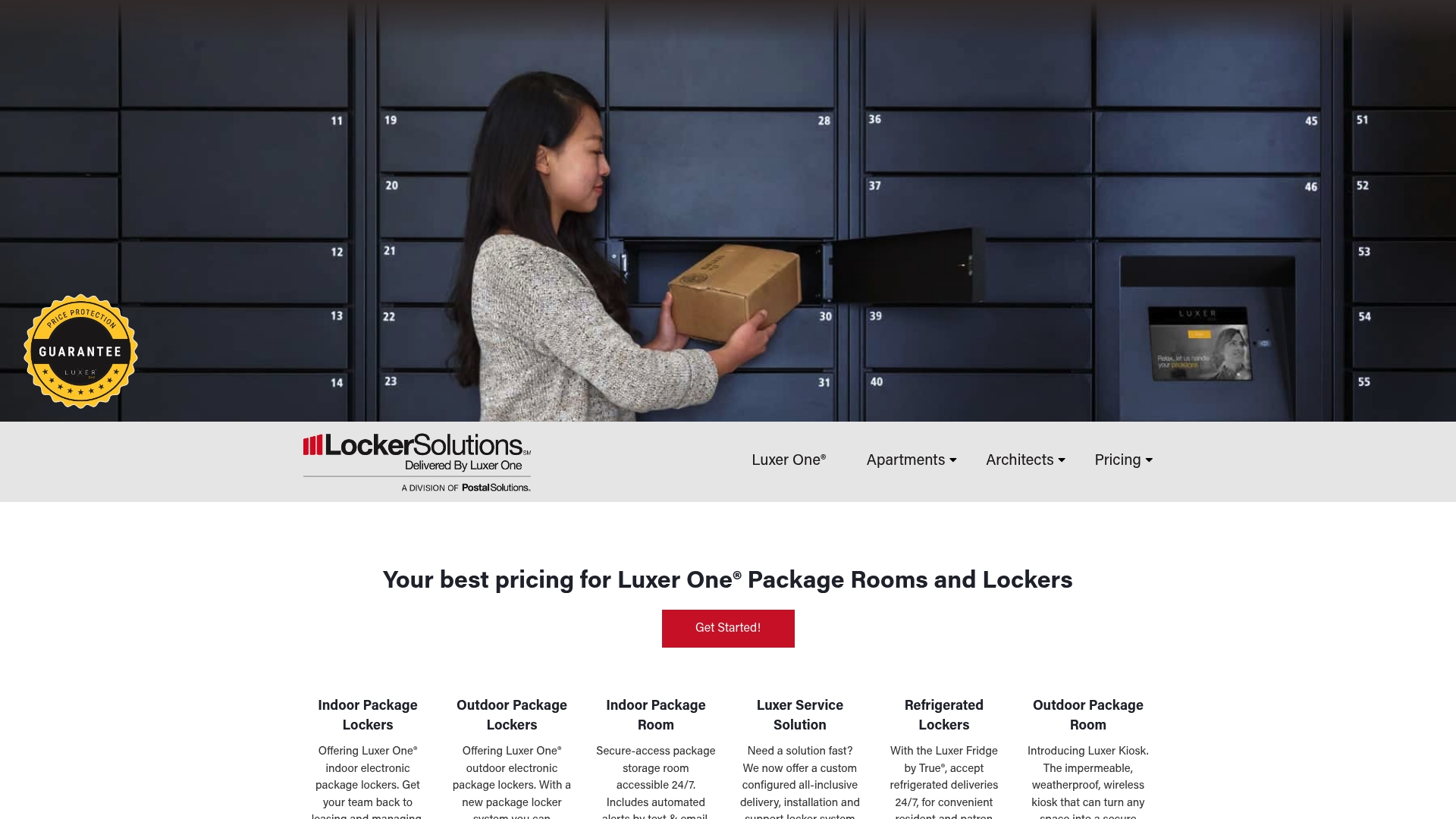
From outdoor weatherproof lockers to fully monitored package rooms, installation moves fast and comes with ongoing maintenance support so your team isn’t left troubleshooting hardware alone. If your property is still relying on staff to sign for every box, request a quote for a Luxer One® system and see what a properly sized locker bank would look like for your unit count.
Sources
- Lowe’s Leverages Innovative Technology to Launch Contactless Pickup Lockers Nationwide
- What is Contactless Delivery, and Why Does It Matter? | DoorDash (merchant blog)
- What Is Contactless Delivery? How It Works, Benefits, and Business Use Cases | Dropoff
- What is the gopost® Package Pickup option? | USPS FAQ
- E‑commerce statistics | U.S. Census Bureau
Recommended
Ready for a Luxer One® package locker quote?
Tell us your unit count and we'll send right-sized pricing with a fast response time.
Get my free quote