October 14, 2026
Multi Carrier Locker Access: Property Managers, Check Carrier Setup
See how multi carrier lockers route parcels, and verify carrier onboarding, access codes, package limits, returns, and maintenance before choosing a system.

Multi carrier locker access means a single bank of parcel lockers can accept deliveries from UPS, FedEx, USPS, DHL and other carriers without separate hardware for each one. The immediate step for any property manager evaluating a system is confirming how the vendor onboards new carriers and which authentication methods, such as one-time codes, QR scans or app tokens, residents used to retrieve packages. Those two details determine whether the system actually works across carriers or only in theory.
TL;DR:
- Ask which carriers are active versus require onboarding, whether returns and scheduled pickups are supported, and which package types or sizes are excluded.
- Offer at least two retrieval methods: QR codes or one time PINs suit visitors, while app tokens or keycards serve residents with regular access.
- Check power, network access, and weather protection, then establish hold times and reminder notices for unclaimed packages before installation at the property.
- Vendors may list deployment timelines of two to six weeks; get carrier onboarding schedules and hardware response terms in writing.
- Send residents clear QR and PIN instructions after installation, and train staff to handle overflow before seasonal delivery surges create hallway clutter.
Table of Contents
- How multi carrier parcel locker systems work, step by step
- Carrier support and integration: what multi carrier compatibility requires
- Access methods and security controls for recipients and carriers
- Operational considerations for property managers
- Benefits and sustainability impact of consolidating deliveries
- What to expect from a locker vendor’s capabilities and support
- Practical lessons from locker installations
- How we can help you set up multi carrier locker access
- FAQ
- Sources
How multi carrier parcel locker systems work, step by step
The daily mechanics are simpler than they sound. A driver arrives with a batch of packages, and the system handles assignment and notification automatically from there.
- The driver scans each package’s barcode at the locker kiosk or handheld unit.
- The system assigns an available compartment sized to the package and opens it using a secure code or digital key, as DHL explains.
- The driver places the package inside and the door locks automatically.
- The recipient gets a notification by text, email or app alert that a package is ready.
- The recipient retrieves it by scanning a QR code or entering a PIN at the kiosk or through a mobile app.
This flow repeats for every carrier using the bank, which is the core promise of multi carrier access: one physical footprint, one notification system, no separate pickup point per shipper. Multifamily lobbies are the most common placement, but the same setup shows up on college campuses and in retail back rooms where staff need deliveries off the front counter. Our step-by-step workflow guide covers the hardware side of this process in more detail for anyone scoping a new install.
Carrier support and integration: what multi carrier compatibility requires
Not every locker system handles multiple carriers the same way. A carrier-agnostic platform accepts any shipper’s packages through barcode scanning and generic compartment assignment, while carrier-specific arrangements, like UPS Access Point lockers, are built and controlled by a single carrier for its own shipments and often require tracking number or ID verification at the kiosk. Property managers comparing the two should read our breakdown of carrier-agnostic locker alternatives before committing to either model.
During vendor evaluation, ask for specifics rather than general assurances:
- Which carriers are confirmed to deliver to the system today, and which require onboarding.
- Whether the platform supports outbound drop-offs for returns, not just inbound delivery.
- What package types or sizes are excluded, including oversized or perishable items.
- How long carrier onboarding typically takes once a contract is signed.
- Whether scheduled carrier pickups are supported for returns and outbound mail.
Access methods and security controls for recipients and carriers
Authentication is where convenience and security meet, and the strongest systems give residents more than one way in. Standard options include QR codes generated at drop-off, one-time PINs sent by text, mobile app tokens, and keycard integration tied to a property’s existing access system.
- QR codes and one-time PINs work well for guest or visitor pickups without app installation.
- Mobile app tokens suit residents who already manage maintenance requests or rent payments through a property app.
- Keycard integration ties locker access to the same credential residents use for doors and gates.
- ID verification at the kiosk is used mainly for high-value or carrier-controlled pickups, similar to the verification UPS Access Point locations sometimes require.
Audit logs that record every open and close event, paired with automated notifications and optional video surveillance, give property staff a clear trail if a package goes missing.
Pro Tip: Offer at least two authentication methods per resident so a forgotten phone or unread text never turns into a blocked pickup.
Operational considerations for property managers
Before signing a contract, confirm the practical details that determine whether installation goes smoothly and whether the system holds up under daily use.
- Check installation footprint, power access and network connectivity for the proposed location, since outdoor kiosks need weatherproofing that indoor units do not.
- Define overflow handling for days when package volume exceeds compartment count, including a temporary holding process.
- Set a hold-time policy for unclaimed packages and confirm how residents get reminder notifications as the window closes.
- Request documented service level agreements and warranty terms covering response time for hardware issues.
- Confirm the system integrates with your property management software for reporting and resident communication.
Our courier onboarding guide walks through how these operational pieces fit together once a system goes live, including what to expect in the first weeks of carrier use.
Benefits and sustainability impact of consolidating deliveries
Consolidating deliveries into one locker bank cuts front-desk interruptions and gives residents pickup flexibility outside office hours, since most retrieval happens at the kiosk or through an app rather than a staffed counter. It also reduces failed delivery attempts, because a locked, secure compartment replaces a doorstep drop that a driver might otherwise skip.
Consolidating stops also supports carrier sustainability goals: DHL notes that locker networks reduce the number of door-to-door stops per route, which can lower last-mile emissions for high-density deliveries. Properties with high unit counts and heavy e-commerce volume tend to see the strongest return, since every consolidated stop removes multiple individual drop-offs from a driver’s route.

What to expect from a locker vendor’s capabilities and support
A complete multi carrier setup usually combines a few hardware and service categories matched to a property’s needs. We provide indoor parcel lockers, outdoor parcel kiosks, refrigerated lockers for grocery and pharmacy deliveries, and unified access control that ties locker credentials to building entry.
- Hardware options span indoor units, weatherproof outdoor kiosks and refrigerated compartments for temperature-sensitive packages.
- Operational services include carrier onboarding support, local installation and maintenance, and rapid deployment timelines of two to six weeks.
- On-site package room management is available for properties that want daily staffing rather than a self-service kiosk.
- Unified credentialing lets one resident key or app login work across building access and package pickup.
Property managers scoping a system should ask prospective vendors for documented case studies from comparable property sizes and climates to confirm these claims hold up in practice.
Practical lessons from locker installations

The fastest wins come in the first two weeks after installation, when clear signage and a short resident email explaining QR and PIN retrieval cut support calls dramatically. Properties that skip onboarding communication see more front-desk questions in month one than ones that send a single explainer message.
Training staff on overflow handling before volume spikes, rather than after, keeps holiday-season package surges from turning into hallway clutter.
**
How we can help you set up multi carrier locker access
Choosing the right setup comes down to matching hardware and service to your property’s volume, climate and staffing model. We offer indoor parcel lockers, outdoor kiosks and smart package rooms, refrigerated lockers for grocery and pharmacy orders, and unified access control that connects package pickup to the same credential residents already use for building entry. For properties that prefer a staffed solution, our on-site package management service handles daily intake and sorting instead of a self-service kiosk.
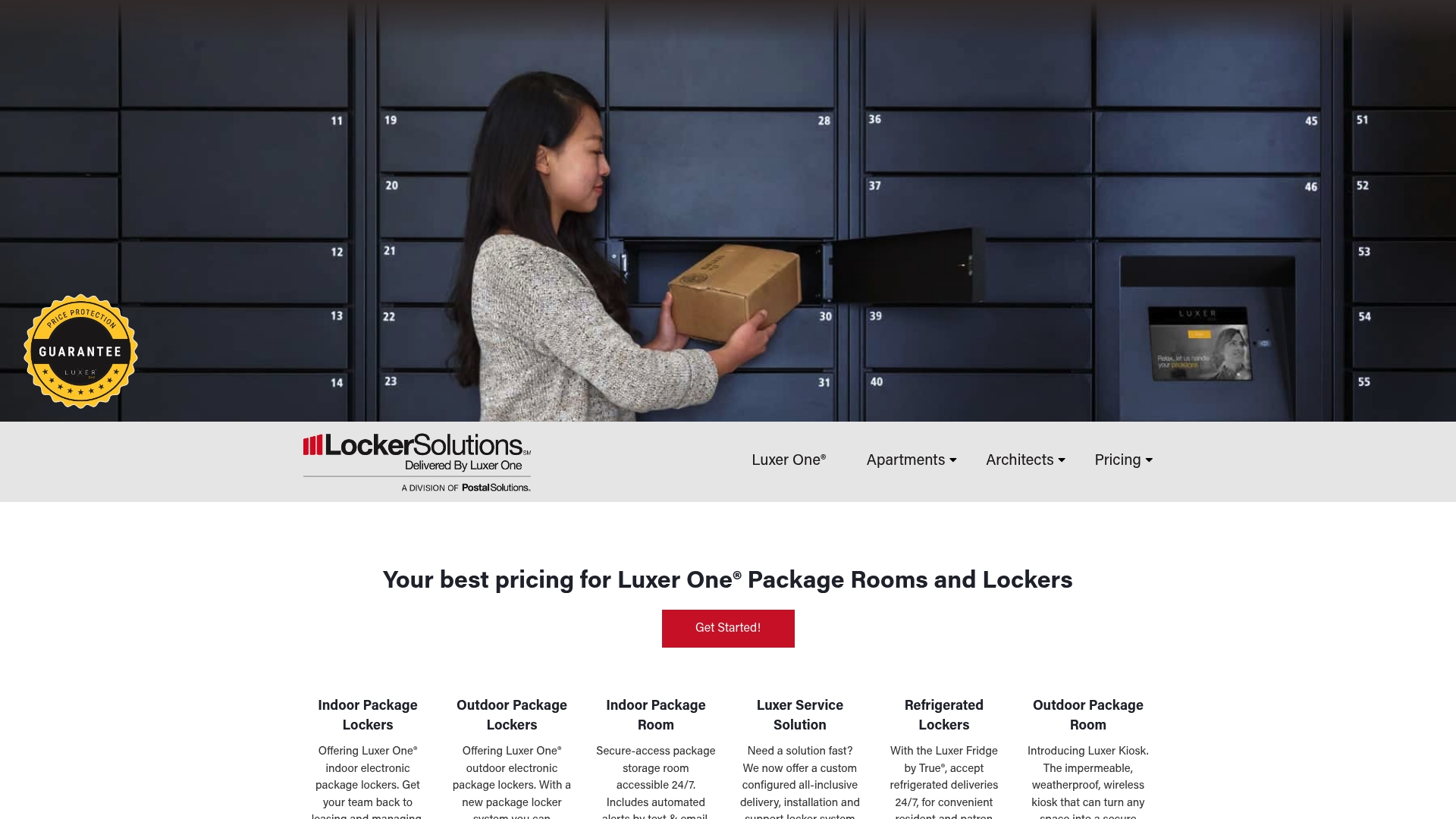
When you request a quote, ask us to confirm carrier onboarding timelines, authentication options for your resident mix, and service response times in writing. Reach out through our landing page to start that conversation and get a configuration suited to your property.
FAQ
What does it mean when UPS delivers to a parcel locker?
It means your package was placed in a secure compartment at a UPS Access Point or a multi carrier locker rather than left at your door. You retrieve it using a tracking number, QR code or ID verification at the kiosk, as described on UPS Access Point pages.
Do major carriers offer their own parcel locker networks?
Yes, several carriers run their own locker programs alongside third-party multi carrier systems. USPS Smart Lockers let shoppers select a locker at checkout and retrieve items with a one-time QR code, while other carriers support similar pickup points.
How does a parcel locker work for deliveries and pickups?
A driver scans the package, the system assigns an open compartment and generates a secure code, and the recipient gets a notification to retrieve it. Retrieval happens by scanning a QR code or entering a PIN at the kiosk or through an app, following the process DHL outlines.
How long can packages stay in parcel lockers before pickup?
Hold times vary by provider and property policy. USPS Parcel Select’s “Hold For Pickup” service has historically held parcels for up to 10 calendar days at designated facilities, and multifamily properties often set similar windows before escalating unclaimed packages.
What should I check before a property takes on a locker system?
Confirm carrier onboarding support, authentication options for residents, hold-time policy and maintenance response terms in writing before signing. You should also plan for related on-site logistics, including how bulky item returns or overflow are handled, which is the kind of coordination covered in guides on scheduling bulk pickups for property teams.
Sources
- Everything you need to know about parcel lockers | DHL Logistics of Things
- The rise of smart parcel lockers | DHL Delivered
- UPS Access Point® location
- USPS Smart Lockers - package recipients
- Field information kit: Parcel Select ‘Hold For Pickup’ endorsement
Recommended
Ready for a Luxer One® package locker quote?
Tell us your unit count and we'll send right-sized pricing with a fast response time.
Get my free quote