November 13, 2026
What to Do When Your Smart-Lock Provider Stops Supporting Your Apartment Building
A step-by-step plan for apartment operators whose smart-lock provider has ended support: inventory, requirements, hardware checks and the switch-over.
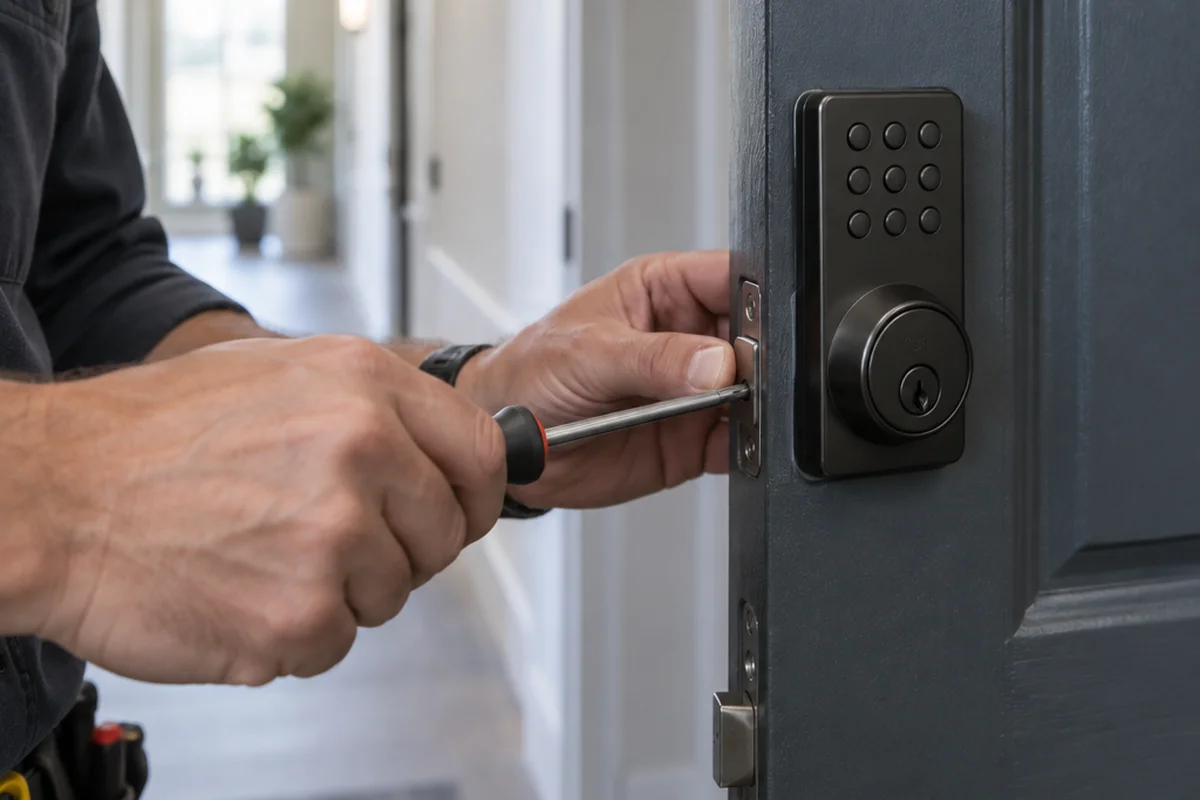
A smart-lock system can keep running for a while after its provider stops supporting it. Over time, though, updates stop, questions go unanswered, and small problems pile up for your site team. If your apartment building is in that spot, the goal is a planned replacement instead of a scramble. Here is how we walk property managers, regional teams and owners through it.
Start with an inventory of what you have
Before you talk to any vendor, write down what the current system actually controls. Most buildings find it touches more than the unit doors.
- Unit doors: how many, and which lock types (deadbolts, interconnected locks, keypads).
- Common entries: front doors, amenity spaces, gyms, pools, garages, gates, elevators and maintenance doors.
- Credentials in use: phones, fobs, cards, PIN codes, or a mix.
- Connected systems: intercom, property management software, cameras and delivery access.
- Who manages it: on-site staff, a regional team, or both.
This list becomes the scope for your site walk. It also keeps a replacement from leaving a door or a workflow behind.
Decide what the replacement needs to do
An unsupported system is also a chance to fix what frustrated your team. These questions help separate a short-term patch from a platform you can grow with:
- Does it cover unit locks and common-area doors in one platform?
- Does it sync with your property management software, so move-ins and move-outs do not depend on manual steps?
- Can regional managers see the whole portfolio while site staff see only their building?
- Can residents choose a phone, a wallet credential, a fob or a PIN?
- Who answers when a resident is locked out at night?
- Can you start with part of the property and expand later?
How Luxer Access covers the building
Luxer Access is a cloud-based access control platform built for multifamily, and it works for any apartment building. It brings access control, intercom, elevator control, cameras, parking and guest management into one centrally managed system.
Unit locks
Luxer Access supports unit-level locks in addition to building-wide access. Several hardware families are available, so you can match locks to door types and design goals. Options include Level Lock deadbolts and Level interconnect locks, Kwikset Unite deadbolt and interconnect locks, the Kwikset Halo Select Wi-Fi deadbolt, and nexTouch keypad locks from ASSA ABLOY ACCENTRA. Depending on the model, residents can unlock with the app, a PIN code, or a card or fob. Some lines are designed with retrofits in mind. The Level Lock deadbolt installs with no additional door prep, and Kwikset Unite interconnect locks come in 4 inch and 5.5 inch center-to-center sizes. These details describe how the new locks fit your doors; whether any existing hardware stays is confirmed on the site walk.
Common doors and readers
For entrances and amenity doors, HID Signo readers support Bluetooth and NFC, including credentials stored in Apple Wallet and Google Wallet. They come in models with or without keypads. Luxer Access can control main entrances, gyms, pools, clubrooms, parking garages, gates, elevators, maintenance doors, floor access and individual units.
Cloud management
Staff can manage residents, staff and visitors from any internet-enabled device, view live activity and audit history, and run every property from a single dashboard. Role-based permissions let regional managers see their portfolio while on-site staff see their own building. Audit logs cover door activity, tampering events and access records by time, door or credential.
Resident app
Residents use one app to unlock doors, answer intercom calls, share guest access codes and view their access history. Phones can work as the main credential through the app or Apple and Google Wallet, and physical fobs and cards remain available for residents who prefer them. Every lock also has a PIN code backup to help prevent a full lockout.
Property management integration
The platform integrates with leading property management systems including Yardi, RealPage, Entrata and AppFolio, and it can read the rent roll to keep the resident list current. With lease-based access expiration, access is removed automatically when a lease ends. That replaces manual lock reprogramming at move-out.
Can any of your current hardware stay?
Owners usually ask this first, and the answer depends on the building. Existing hardware can often be integrated, but compatibility depends on current wiring, locks and other systems. We confirm what can stay and what needs to change on a site walk.
The platform is also modular. You purchase what the property needs, and individual components can be deployed on their own or expanded over time. That gives you room to phase the project, for example by addressing unit locks and main entries first and adding other components later.
What the switch-over looks like with us
We manage the project from first visit to go-live.
- Site walk: we review your doors, locks, wiring and current credentials, then map what Luxer Access will control.
- Install and switch-over: we install the hardware and coordinate the cutover. Luxer provides implementation support and can assist with resident data migration, with a process designed to minimize disruption during the switch.
- Staff training: we show your team how to use the dashboard, issue and revoke credentials, and handle move-ins and move-outs.
- Ongoing support: our team, backed by Luxer's 24/7 support for residents and staff.
If the replacement is part of an acquisition or ownership change, Luxer Access supports those transitions too, including resident onboarding and implementation planning.
Package lockers are optional
Luxer Access stands on its own. If your building also has Luxer One package lockers, or plans to add them, residents can manage access and package pickup in the same app. As a National Luxer One® Premier Partner, we can scope both, but lockers are not required to use Luxer Access.
Keep reading
- Compare Luxer Access with the smart-lock system you have now
- Keyless entry for apartments
- How to choose a video intercom for an apartment building
Ready to plan your replacement? Schedule a site walk with our team. We will review your doors, locks and wiring, confirm what can be integrated, and lay out a switch-over plan for your building.
FAQ
Our smart-lock provider stopped supporting our building. Do we have to replace everything at once?
No. Luxer Access is modular, so you only purchase what your property needs. Components can be deployed on their own and expanded over time, which lets you phase the project around your budget and schedule.
Will our existing locks or wiring work with Luxer Access?
Existing hardware can often be integrated, depending on your current wiring and locks. Every property is different, so we confirm compatibility on a site walk before recommending a plan.
How do residents move over to the new system?
Luxer provides implementation support and can assist with resident data migration during the transition. Residents can then use the Luxer Access app, Apple Wallet, Google Wallet, key fobs, access cards, PIN codes, or QR codes at the Video Intercom, depending on the hardware at your property.
Does Luxer Access work with our property management software?
Luxer Access integrates with major platforms including Yardi, RealPage, Entrata and AppFolio, along with others. With integration, resident access can follow the lease, so move-outs no longer require manual lock changes.
How long does installation take?
Timelines vary with the size of the deployment and the property. After the site walk, we can give you a timeline for your building.
Ready for a Luxer One® package locker quote?
Tell us your unit count and we'll send right-sized pricing with a fast response time.
Get my free quote