June 8, 2026
Mailbox Kiosk Solutions for Multifamily Properties
Discover the benefits of a mailbox kiosk for multifamily properties. Learn how to choose the right setup to ensure USPS compliance today!
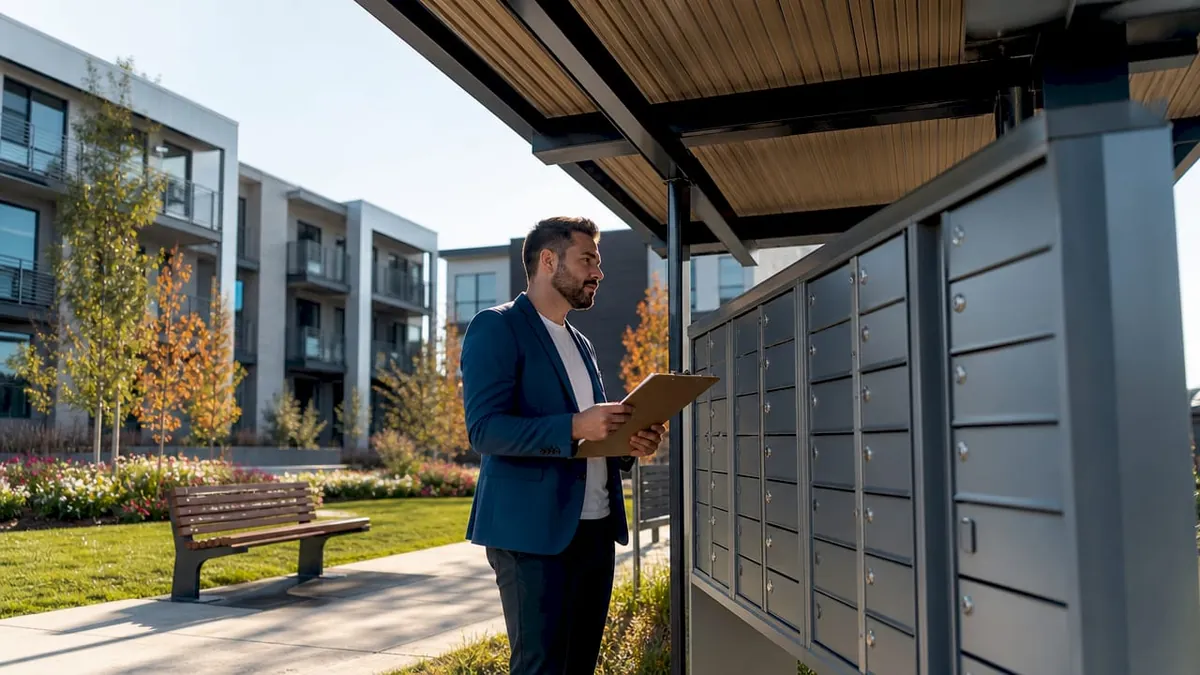
A mailbox kiosk is a centralized, weather-protected aluminum canopy structure housing USPS-approved Cluster Box Units that consolidate mail delivery and resident pickup at multifamily properties. The industry term for the mail hardware itself is Cluster Box Unit (CBU), while “mailbox kiosk” refers to the full protective structure around it. For property managers and apartment developers, getting this setup right means satisfying USPS compliance standards, meeting ADA requirements, and handling a parcel volume that traditional mail slots were never designed for. This guide covers the top 10 mailbox kiosk configurations, what separates them, and how to choose the right one for your property.
1. USPS STD-4C compliant cluster box kiosks
The foundation of any compliant mail setup is a Cluster Box Unit installed within a structure that meets USPS STD-4C regulations, which govern compartment sizes, master loading door security, and pedestal height. Non-compliant installations result in mail service rejection outright. Mitchell Metals produces aluminum canopy kiosks built specifically around these standards, making them a reliable starting point for new developments. If USPS won’t service it, nothing else about the kiosk matters.
2. Extruded aluminum canopy kiosks
Extruded aluminum is the material of choice for outdoor mailbox kiosk canopies because it resists corrosion, handles UV exposure, and requires minimal maintenance over a 20-plus-year lifespan. Mitchell Metals offers extruded aluminum canopy structures in multiple configurations to match property aesthetics. The structural integrity of aluminum also supports heavier CBU configurations without requiring reinforced concrete footings beyond standard installation specs. For coastal or high-humidity climates, aluminum outperforms powder-coated steel in long-term durability.
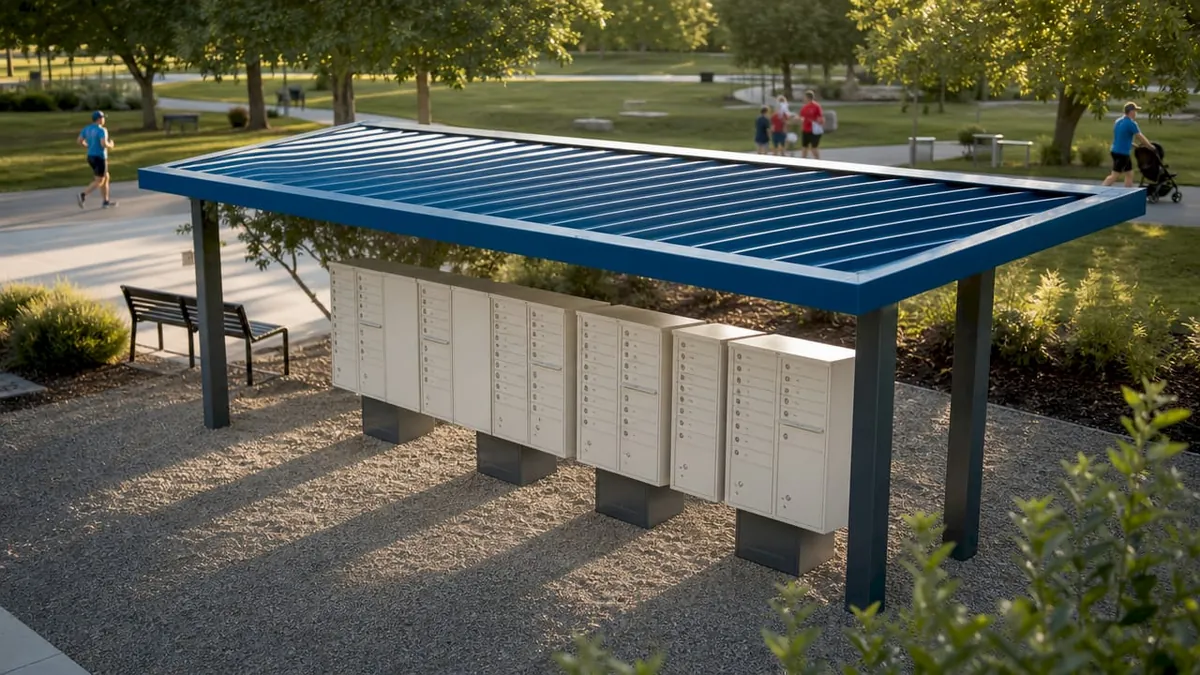
3. ADA-accessible kiosk configurations
ADA and FHA compliance for mailbox kiosks goes beyond mailbox height. It requires a level concrete pad, wheelchair turning radius clearance, and approach paths free of obstructions. Properties that skip this step during design face expensive retrofits after construction. The concrete pad must be poured to precise tolerances, and the kiosk placement must account for the full turning radius of a standard wheelchair. Treating ADA compliance as a design-stage checklist item rather than an afterthought saves significant cost.
Pro Tip: Consult your USPS district office and a civil engineer simultaneously during site planning. USPS has specific mail carrier access requirements that can conflict with ADA clearance layouts if not coordinated early.
4. Covered pedestal-mounted CBU kiosks
Pedestal-mounted CBUs with overhead canopy coverage are the most common mailbox kiosk format in suburban apartment complexes. The pedestal raises the unit to the correct carrier service height while the canopy protects both the mail carrier and residents from rain and direct sun. Mitchell Metals designs these as modular systems, meaning you can add CBU columns as your property grows without replacing the entire canopy structure. Modular design is a practical advantage for phased developments where unit counts increase over time.
5. Freestanding enclosed mail pavilions
For larger multifamily communities with 200-plus units, a freestanding enclosed mail pavilion provides more than weather protection. These structures include walls, lighting, and sometimes electrical outlets for integrated package locker connections. The enclosed format also improves security by limiting access to residents and mail carriers, reducing mail theft risk. Properties in high-crime areas or dense urban markets benefit most from this configuration.
6. Integrated parcel locker and CBU kiosks
The fastest-growing mailbox kiosk format combines traditional CBUs with electronic parcel lockers in a single structure. Parcel lockers improve resident convenience by automating secure package retrieval and reducing leasing staff workload significantly. We offer Luxer One® electronic lockers that can be installed adjacent to or within existing kiosk structures. This integration addresses the core limitation of CBUs: they handle letter mail well but cannot accommodate the parcel volume modern residents generate.
7. Weatherproof outdoor kiosk systems
Properties in regions with extreme weather, including heavy snow, high winds, or sustained heat, need kiosk structures engineered beyond standard aluminum canopies. Weatherproof kiosk systems use reinforced framing, sealed electrical connections, and UV-resistant coatings rated for specific climate zones. Our weatherproof locker systems are built for outdoor installation in these conditions, maintaining electronic locker functionality regardless of temperature swings. Specifying the wrong weather rating is one of the most common and costly mistakes in outdoor kiosk procurement.
8. Decorative architectural kiosk enclosures
Some Class A apartment communities require mailbox kiosks that match the architectural language of the property. Decorative enclosures use materials like brick veneer, fiber cement panels, or custom powder-coat finishes over aluminum frames to create a cohesive look. Mitchell Metals offers custom fabrication options for canopy profiles and color matching. The functional requirements remain identical to standard kiosks. The difference is purely in finish and curb appeal, which matters for lease-up marketing and resident retention at premium properties.
9. Retrofitted kiosk upgrades for existing properties
Many older apartment communities have outdated, uncovered CBU installations that fail both USPS and ADA standards. Retrofitting these with compliant canopy structures and accessible concrete pads is less expensive than full replacement, provided the existing CBUs are still within USPS service life. Early planning prevents the most expensive scenario: discovering non-compliance during a property sale or refinancing due diligence process. A retrofit project typically requires USPS district approval before construction begins.
10. Smart kiosk systems with resident notification technology
The most advanced mailbox kiosk configurations include digital notification systems that alert residents via SMS or app when mail or packages arrive. These systems use sensors or camera-based detection integrated into the kiosk structure. Our Luxer One® platform includes automated alerts and video surveillance as standard features. Technology integration at the kiosk level reduces missed deliveries, cuts resident complaints, and provides property managers with delivery audit trails. For lease-up communities competing on amenities, smart delivery infrastructure is now a differentiator.
Mailbox kiosks vs. USPS and carrier self-service kiosks
Property managers frequently confuse mailbox kiosks with postal service kiosks operated by USPS or carriers. These are fundamentally different products serving opposite functions.
A property-level mailbox kiosk handles incoming mail retrieval only. It does not process outgoing shipments, print labels, or accept packages for carrier pickup. USPS self-service retail kiosks operate 24/7 in post office lobbies and select commercial locations, allowing customers to weigh packages, pay postage, and print labels. That capability does not exist at a property-installed CBU structure.
On the carrier side, UPS Time-Saving Kiosks allow customers to drop off pre-paid packages by scanning QR codes, prioritizing speed over counter service. These are commercial shipping tools, not residential mail infrastructure. Misunderstanding this distinction between kiosk types leads to poor delivery planning at multifamily properties, particularly when developers assume a single kiosk structure can serve both incoming and outgoing parcel needs.
For outgoing packages, multifamily properties need a separate package drop-off station or carrier pickup arrangement. The mailbox kiosk handles the incoming side. Both functions require dedicated infrastructure.
Key factors when choosing and installing a mailbox kiosk
Selecting the right configuration requires working through several non-negotiable requirements before comparing products.
USPS coordination is mandatory. USPS district offices must approve kiosk placement, CBU model selection, and mail carrier access routes before installation. Skipping this step results in service refusal after construction is complete.
ADA compliance is federal law, not a suggestion. The concrete pad must be level, the approach path must be clear, and mailbox heights must fall within the reach range specified by the Americans with Disabilities Act. Properties that fail this standard face Fair Housing Act liability in addition to ADA exposure.
Pro Tip: Request a pre-construction site visit from your USPS district mail coordinator. They will identify access conflicts and compartment count requirements specific to your property before you finalize the kiosk layout.
Additional factors to evaluate before purchasing:
- Compartment count: USPS requires one compartment per unit plus a minimum number of parcel lockers based on unit count
- Canopy sizing: The canopy must cover the full CBU footprint plus adequate resident standing space
- Electrical access: Required if integrating electronic parcel lockers or lighting
- Maintenance access: Kiosk placement must allow USPS master key access without obstructions
- Security locks: USPS-approved master locks are mandatory. Aftermarket hardware voids compliance
How package lockers enhance mailbox kiosk performance
Traditional CBUs handle letter mail and small flat packages adequately. They do not handle the parcel volume that modern e-commerce generates. The average multifamily resident now receives multiple packages per week, and a standard CBU parcel compartment fills within hours of a carrier delivery cycle.
Adding electronic parcel lockers adjacent to a mailbox kiosk converts a single-function mail station into a full delivery management hub. Residents receive automated notifications, retrieve packages on their own schedule, and never interact with leasing staff for package pickup. This secure parcel handling workflow removes packages from leasing offices entirely and creates an auditable chain of custody for every delivery.
| Feature | CBU-only kiosk | CBU plus parcel lockers |
|---|---|---|
| Letter mail | Yes | Yes |
| Small parcels | Limited | Yes |
| Large parcels | No | Yes |
| Resident notifications | No | Automated |
| Staff involvement | High | Minimal |
| 24/7 access | No | Yes |
Our Luxer One® systems integrate directly with most CBU kiosk structures and support multiple carriers including USPS, FedEx, UPS, and Amazon. The package security benefits extend beyond convenience. Video surveillance and secure access logs reduce theft claims and protect property managers from liability.
Key takeaways
A compliant, well-specified mailbox kiosk requires USPS STD-4C approval, ADA-accessible site design, and parcel locker integration to meet the delivery demands of modern multifamily residents.
| Point | Details |
|---|---|
| USPS compliance is non-negotiable | Non-compliant CBU installations result in mail service rejection and costly reconstruction. |
| ADA design starts at the concrete pad | Wheelchair turning radius and approach path clearance must be engineered before kiosk installation. |
| CBUs alone are not enough | Parcel lockers must supplement CBU kiosks to handle modern e-commerce delivery volume. |
| Early coordination saves money | Engaging USPS district offices and civil engineers at the design stage prevents expensive post-construction corrections. |
| Smart technology adds measurable value | Automated alerts and video surveillance at the kiosk level reduce staff workload and resident complaints. |
What we’ve learned from years of multifamily delivery infrastructure
The properties that get mailbox kiosk installations right share one habit: they treat mail delivery infrastructure as a utility, not an afterthought. The developers who call us after construction is complete, looking to retrofit a non-compliant CBU installation or add parcel lockers to a kiosk that has no electrical access, spend two to three times more than those who planned for it from the start.
The shift we see most clearly in 2026 is that residents no longer distinguish between mail and packages in their expectations. They expect everything to arrive securely, be accessible at any hour, and require zero interaction with leasing staff. A CBU kiosk that was adequate in 2015 does not meet that standard today. The properties that recognize this and invest in integrated systems see measurable improvements in resident satisfaction scores and renewal rates.
One more thing worth saying directly: USPS compliance is not a bureaucratic formality. It is the condition under which your residents receive mail. A single non-compliant compartment dimension or an unapproved master lock can trigger a service suspension that affects every resident in the building. The cost of getting it right the first time is a fraction of the cost of fixing it under pressure.
How we can upgrade your property’s delivery system
We specialize in Luxer One® package management systems designed specifically for multifamily properties. Whether you are planning a new development or upgrading an existing mail station, the right combination of CBU kiosk infrastructure and electronic parcel lockers transforms package delivery from a daily headache into a hands-off system.
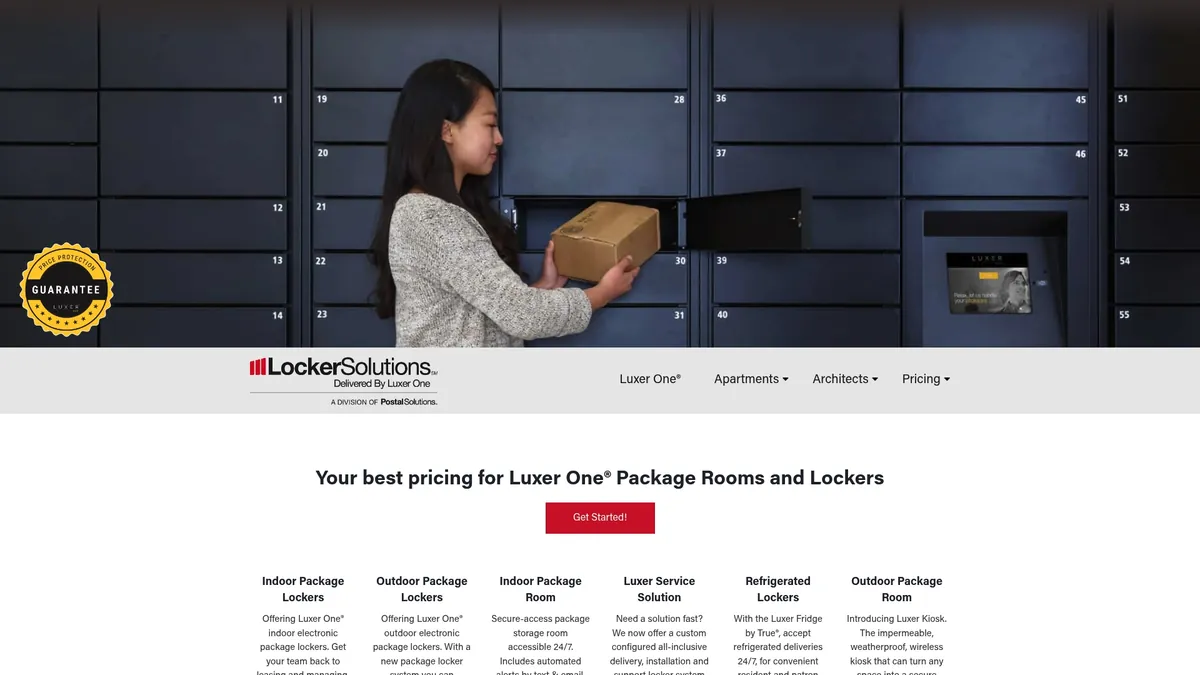
Our automated package room solutions and Luxer One locker systems are configured for properties of every size, from 50-unit communities to 500-unit high-rises. We handle design consultation, installation coordination, and ongoing maintenance support. Contact us to find out which configuration fits your property’s layout, resident count, and delivery volume.
FAQ
What is a mailbox kiosk in multifamily housing?
A mailbox kiosk is a weather-protected canopy structure housing USPS-approved Cluster Box Units (CBUs) that centralize mail delivery and resident pickup at apartment communities. The USPS term for the mail hardware itself is Cluster Box Unit, while the full structure including the canopy and pad is commonly called a mailbox kiosk.
What USPS standards apply to mailbox kiosk installations?
USPS STD-4C governs compartment dimensions, master loading door security, and pedestal height for all CBU installations. Non-compliant kiosks are refused mail service, so USPS district approval before installation is mandatory.
How does a mailbox kiosk differ from a USPS self-service kiosk?
A property-level mailbox kiosk handles incoming mail retrieval only. A USPS self-service retail kiosk, found in post office lobbies, processes outgoing shipments, postage payments, and label printing. These are separate systems serving opposite functions.
Do mailbox kiosks need to be ADA compliant?
Yes. ADA and FHA standards require level concrete pads, wheelchair turning radius clearance, and mailbox heights within the federally specified reach range. These requirements apply to all new installations and most retrofit projects.
Can parcel lockers be added to an existing mailbox kiosk?
Yes, provided the kiosk site has electrical access and sufficient space. Our Luxer One® systems are designed to integrate with existing CBU kiosk structures, adding automated parcel management without replacing the mail infrastructure already in place.
Recommended
Ready for a Luxer One® package locker quote?
Tell us your unit count and we'll send right-sized pricing with a fast response time.
Get my free quote