June 4, 2026
Locker Systems for Multifamily Package Management
Discover how locker systems enhance multifamily package management. Learn about smart lockers and streamline deliveries in your building!
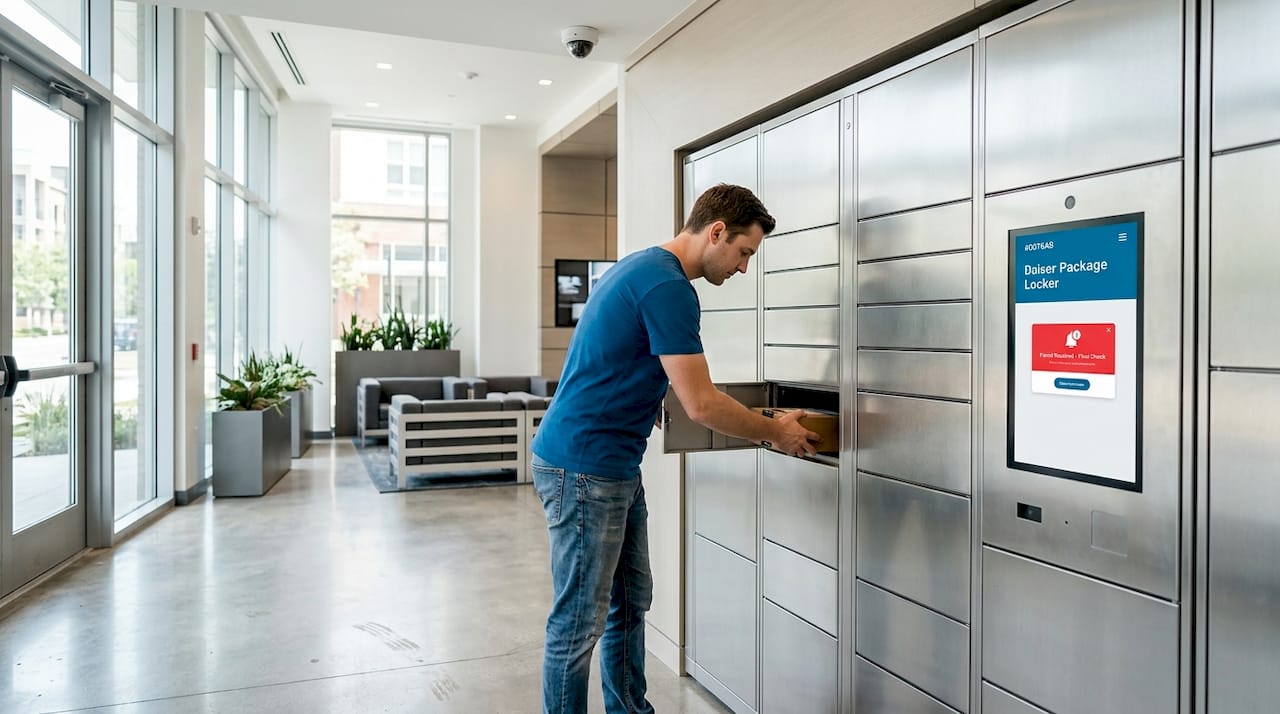
A locker is a secure, individual storage compartment designed to manage package deliveries efficiently, making it the most critical piece of infrastructure in modern multifamily residential buildings. As e-commerce volumes grow, property managers face a daily flood of parcels with no reliable way to protect them or notify residents. The industry term for what most people call a “package locker” is an electronic parcel locker or smart locker, and understanding that distinction matters when you are evaluating vendors, writing RFPs, or planning a building retrofit. Luxer One® has become the benchmark brand in this space, and Locker Solutions builds its entire product line around that platform.
How have locker systems evolved for multifamily needs?
The original locker was a padlocked metal box. That design served schools, gyms, and transit stations for decades, but it was never built for the volume or variety of package deliveries that multifamily buildings now receive. Today, smart lockers function as micro-infrastructure, integrating with building management systems and supporting fluid, unplanned patterns of use rather than fixed, assigned storage. That shift from static to dynamic is the defining change of the last ten years.
Mechanical keys gave way to PIN codes, then to RFID cards, then to NFC-enabled smartphones. Each generation reduced friction for residents and added accountability for operators. A resident who misses a delivery no longer needs to visit a leasing office during business hours. They receive an automated alert, walk to the locker bank at midnight if they choose, and retrieve their parcel without involving any staff member.
“Lockers as adaptive infrastructure support fluid, unplanned everyday use, reflecting the social and spatial behaviors evolving in shared urban environments.” — ArchDaily
The integration with building operations is what separates a modern electronic parcel locker from a gym locker or a school locker. Systems like Luxer One connect to property management software, generate real-time occupancy reports, and trigger resident notifications automatically. That level of integration turns a simple storage box into a data-producing node in your building’s operational network.
Pro Tip: When evaluating locker vendors, ask specifically whether their software integrates with your existing property management platform, such as Yardi, RealPage, or Entrata. Native integration eliminates manual data entry and reduces staff workload immediately.
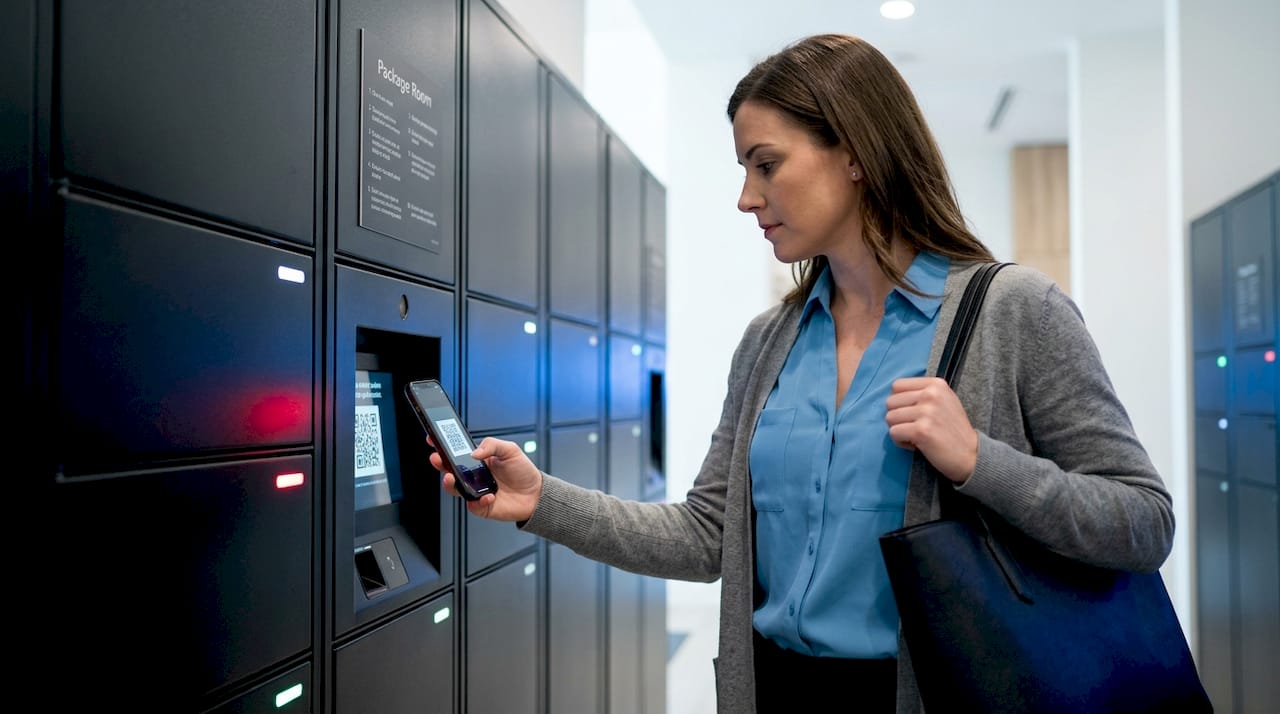
What types of lockers are available for package management?
Locker hardware comes in several materials and configurations, and the right choice depends on your building’s climate, traffic volume, and aesthetic requirements. Metal lockers are the most durable and the standard choice for high-traffic outdoor installations. Phenolic and laminate lockers resist moisture and are common in covered indoor lobbies. Glass-front lockers add visibility, which deters misuse and gives lobbies a premium appearance.
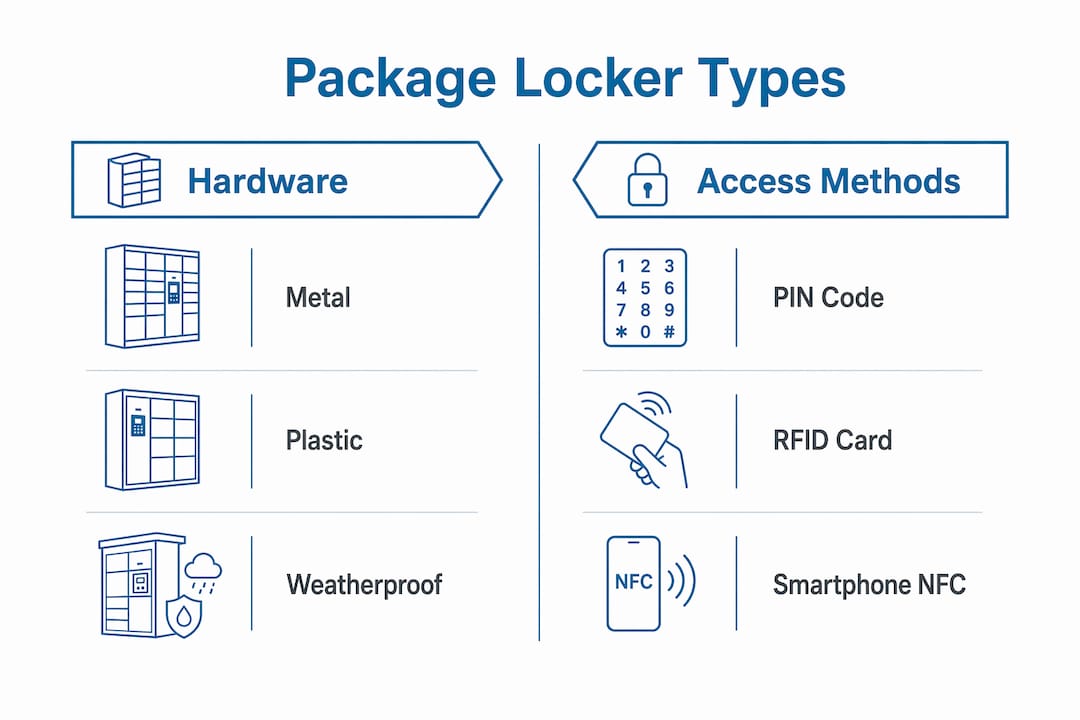
Access method is the more consequential decision. The access spectrum runs from simple assigned lockers, where one resident always uses the same compartment, to fully managed shared lockers with audit trails, time-based permissions, and remote monitoring. Most multifamily properties need the managed shared model because package volume fluctuates daily and no single resident owns a compartment permanently.
The table below summarizes the main locker types and their fit for multifamily package management:
| Locker type | Access method | Best for | Software need |
|---|---|---|---|
| Assigned metal locker | Physical key or PIN | Small buildings, low volume | Minimal |
| Shared electronic locker | PIN or RFID | Mid-size multifamily | Moderate |
| Smart parcel locker (Luxer One) | App, PIN, RFID, NFC | Large multifamily, high volume | Full integration |
| Refrigerated locker | App or PIN | Properties with grocery delivery | Full integration |
| Outdoor weatherproof kiosk | App or PIN | Buildings without covered entry | Full integration |
Digital technologies available today include PIN codes, RFID tags, NFC smartphone tap, QR codes, and biometric options. The most practical combination for multifamily use is app-based access paired with a PIN fallback, because it covers residents who lose their phones and carriers who do not have the building’s app installed.
- PIN codes work for every carrier without any app download requirement.
- RFID and NFC give residents a contactless, one-tap experience at the locker bank.
- App-based access enables remote management, delivery notifications, and usage analytics.
- QR codes are increasingly common for carrier-side drop-off without staff involvement.
Pro Tip: Choose a locker system that supports at least two access methods simultaneously. Relying on a single technology creates a single point of failure that will strand residents and carriers on the same day.
How do digital locker management systems improve security and efficiency?
Cost and complexity in locker systems are driven primarily by access management policies, not by the physical hardware. That is a counterintuitive finding for most property managers who focus their budget conversations on cabinet materials and locker counts. The software layer is where the real operational value lives.
Platforms like Luxer One’s management software and Creone’s ValueBox electronic locker system provide automated access logs, full audit trails, and user management dashboards that a leasing team can operate without IT support. Every transaction is time-stamped. Every access event is recorded. If a package goes missing, the audit trail identifies exactly who opened which compartment and when.
The operational benefits extend beyond theft prevention. Consider what happens when a property runs on manual package management: staff sign for parcels, store them in a back room, log them in a spreadsheet, and notify residents by phone or email. That process consumes hours of staff time daily and still produces complaints. Digital locker systems eliminate every manual step in that chain.
“Modular and digital locker solutions enable 24/7 resident access and automate package management, improving satisfaction and reducing theft in multifamily properties.” — Luxer One / Locker Solutions
The analogy from education is instructive. Mustang High School implemented digital hallway and locker management controls and recorded an 82% reduction in tardiness. The mechanism was identical to what multifamily operators experience: removing friction from a high-frequency daily process produces dramatic efficiency gains. When residents can retrieve packages without waiting for staff, complaint volume drops and satisfaction scores rise.
Four specific use cases where digital management delivers the clearest return:
- 24/7 contactless delivery. Carriers drop packages at any hour without requiring a staff member to accept or log them.
- Automated resident notification. The system sends a text or app alert the moment a package is secured, eliminating “where is my package?” calls.
- Overflow management. When lockers reach capacity, the system alerts the property manager and can redirect deliveries to a package room automatically.
- Chain of custody documentation. Every handoff is logged, which protects the property from liability when residents claim packages were never delivered.
What are best practices for implementing locker solutions in multifamily properties?
Successful locker deployment starts before a single cabinet is ordered. Lockers manage more than personal storage; they facilitate workflow support, secure handoffs, and policy enforcement across diverse user groups. Defining your access policy first determines every downstream decision about hardware, software, and vendor selection.
The following practices separate properties that get full value from their locker investment from those that install hardware and then struggle with adoption:
- Define your access policy before selecting hardware. Decide whether lockers will be assigned, shared, or managed. That single decision determines which software features you need and how much the system will cost to operate.
- Size for peak volume, not average volume. Package delivery spikes around holidays and promotional sales events. A locker bank sized for average daily volume will overflow during peak periods, which is exactly when resident expectations are highest.
- Locate locker banks at building entry points. Residents retrieve packages on the way in or out. Lockers placed near mailrooms or lobbies see higher usage rates than those placed in parking garages or remote corridors.
- Anchor all units permanently. Professional lockers must be anchored to walls or floors to prevent tip-over accidents in high-traffic shared environments. This is a safety requirement, not an optional installation step.
- Select vendors who provide software support, not just hardware. A locker cabinet lasts ten years. The software platform needs updates, integrations, and support throughout that entire period.
Pro Tip: Request a pilot deployment before committing to a full building installation. Most reputable vendors, including those offering Luxer One systems through Locker Solutions, will work with you on a phased rollout that lets you validate resident adoption before scaling.
Scalability deserves its own emphasis. A 100-unit building that adds 50 units in a Phase 2 construction needs a locker system that expands without replacing the software platform. Modular locker configurations and cloud-based management software make that expansion straightforward. Proprietary systems that lock you into a single hardware generation do not.
The benefits of automated delivery systems for multifamily properties extend to leasing performance as well. Properties with modern package management infrastructure report it as a differentiating amenity during tours, particularly with younger renters who receive high package volumes and expect the same convenience they get from Amazon Hub Locker at retail locations.
Key takeaways
The most effective locker system for multifamily package management combines modular hardware with cloud-based access management software, sized for peak delivery volume and anchored permanently at building entry points.
| Point | Details |
|---|---|
| Software drives value | Access management policies, not hardware, determine locker system cost and operational effectiveness. |
| Access method matters | Choose systems supporting at least two access methods, such as app plus PIN, to eliminate single points of failure. |
| Size for peak volume | Locker banks sized for average daily deliveries will overflow during holidays and promotional periods. |
| Anchor all units | Permanent wall or floor anchoring is a safety requirement in high-traffic shared environments, not optional. |
| Scalability is non-negotiable | Select modular systems with cloud software that expand without replacing the entire platform as your property grows. |
What we have learned from deploying locker systems at scale
After working with property managers across hundreds of multifamily installations, the pattern that stands out most clearly is this: the properties that struggle with their locker systems almost always underestimated the software. They budgeted carefully for cabinet count, material grade, and installation labor, then selected a management platform as an afterthought. Six months later, they are dealing with residents who cannot retrieve packages, carriers who cannot complete drop-offs, and leasing staff who are manually troubleshooting a system that was supposed to run itself.
The shift from ownership to temporary, flexible use in shared spaces is real, and it changes what a locker needs to do. A gym locker holds your bag for an hour. A school locker holds your books for a semester. A multifamily package locker handles a transaction, and the quality of that transaction is entirely determined by the software managing it.
The uncomfortable truth is that most property managers evaluate lockers the way they evaluate appliances: by looking at the physical unit. The right question is not “how sturdy is the cabinet?” It is “what happens when a carrier tries to drop off a package at 2 a.m. and the system goes offline?” Vendors who answer that question confidently, with documented uptime records and 24/7 support commitments, are the ones worth partnering with.
Resident experience should be the final filter on every decision. A locker system that works perfectly from an operational standpoint but frustrates residents during retrieval is a liability, not an asset. Test the resident-facing interface yourself before signing a contract.
— Locker Solutions
Explore Luxer One locker solutions for your property
Locker Solutions specializes in Luxer One® electronic package lockers and automated package rooms built specifically for multifamily residential properties.
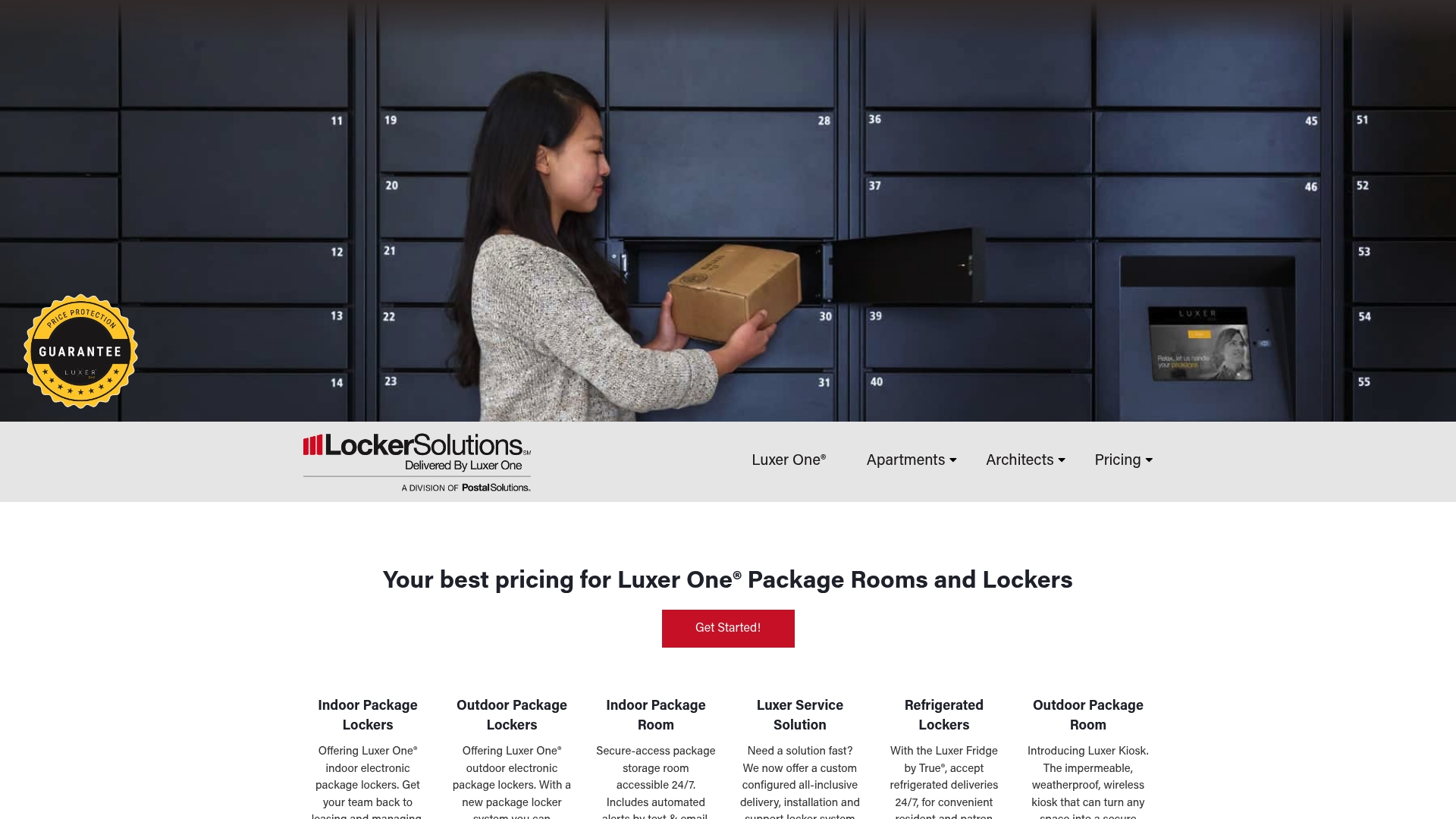
Whether your building needs indoor lockers, outdoor weatherproof kiosks, or refrigerated units for grocery deliveries, Locker Solutions offers modular configurations that scale with your property. Every system includes cloud-based management software, automated resident notifications, video surveillance integration, and 24/7 carrier access without staff involvement. Explore the full range of Luxer One package lockers or review the detailed deployment guide for automated package rooms to find the right fit for your building size and delivery volume.
FAQ
What is a smart locker in a multifamily building?
A smart locker is an electronic parcel storage compartment that accepts deliveries from any carrier, notifies residents automatically, and allows 24/7 contactless retrieval via app, PIN, or RFID. Systems like Luxer One are the industry standard for multifamily residential properties.
How many lockers does a multifamily property need?
Locker count should be sized for peak delivery volume, not average daily volume, because package spikes during holidays can triple normal throughput. A general starting point is one locker compartment for every three to four units, with overflow capacity built into the configuration.
What access methods do electronic package lockers support?
Modern electronic lockers support PIN codes, RFID cards, NFC smartphone tap, QR codes, and app-based access. Supporting multiple access methods simultaneously is the recommended practice to prevent single points of failure for residents and carriers.
Do locker systems need to be anchored to walls?
Permanent anchoring to walls or floors is a safety requirement for professional locker installations in shared, high-traffic environments. This applies regardless of whether the unit appears freestanding, and most safety regulations require it.
What is the difference between assigned and managed shared lockers?
Assigned lockers give one resident permanent access to a specific compartment. Managed shared lockers are allocated dynamically per delivery, with full audit trails and automated release after pickup. Multifamily package management requires the managed shared model to handle variable daily delivery volumes efficiently.
Recommended
- How technology boosts multifamily efficiency and resident satisfaction — Locker Solutions Blog
- Secure package delivery for multifamily properties — Locker Solutions Blog
- Design efficient package rooms for multifamily properties — Locker Solutions Blog
- Your essential multifamily amenities checklist for 2026 — Locker Solutions Blog
Ready for a Luxer One® package locker quote?
Tell us your unit count and we'll send right-sized pricing with a fast response time.
Get my free quote