June 14, 2026
College Mailroom Solutions for Campus Administrators
Discover effective college mailroom solutions that streamline package delivery, reduce congestion, and enhance student access with smart lockers.
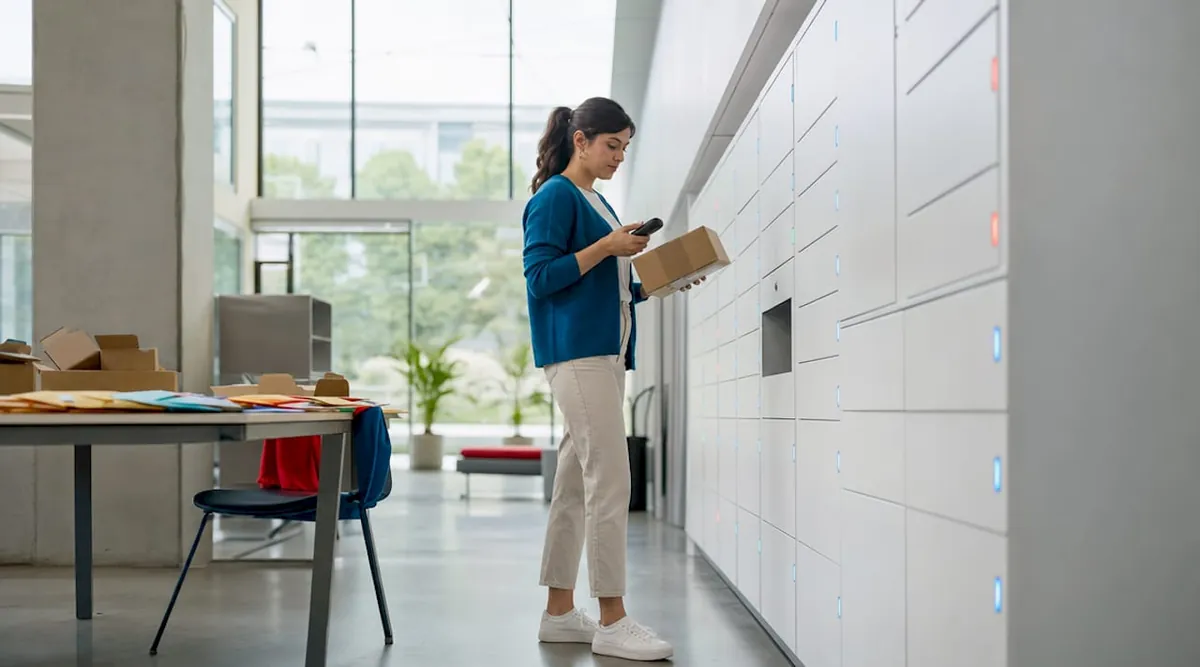
College mailroom solutions are defined as the combination of smart locker systems, digital management software, and process-driven workflows that handle the full cycle of student package delivery on campus. Package volumes at universities have grown sharply over the past decade, and most existing mailroom infrastructure was never designed to absorb that load. Systems like Luxer One® lockers and Traizr software now give facility managers the tools to reduce manual workload, cut counter congestion, and give students 24/7 access to their parcels. The right approach does not just add hardware. It fixes the underlying process.
1. why smart lockers lead college mailroom solutions
Smart lockers are the single most effective tool for managing package volume in a campus mailroom. They shift the pickup process from staff-dependent to self-service, which directly reduces counter congestion and frees staff for higher-value tasks. According to research on campus operations, smart lockers alleviate structural mailroom problems that reactive staffing alone cannot fix. That means the locker is solving a workflow problem, not just a storage problem.
Key operational advantages of smart locker systems include:
- Self-service pickup with QR code or PIN access, available 24 hours a day
- Automatic notifications sent by email or SMS the moment a package is loaded
- High-density storage that fits more parcels per square foot than open shelving
- Reduced staff time answering “where is my package?” questions at the counter
- Full audit trails showing who picked up what and when
Pro Tip: Deploy lockers as part of a broader mail strategy rather than as isolated hardware. A locker that is not connected to your tracking software still creates manual reconciliation work for staff.
The biggest value of smart lockers is improving the surrounding processes, not just the physical unit. Administrators who treat lockers as a complete solution without updating their intake and notification workflows will still face backlogs during peak periods like move-in week or semester starts.
2. how digital mailroom software transforms package tracking
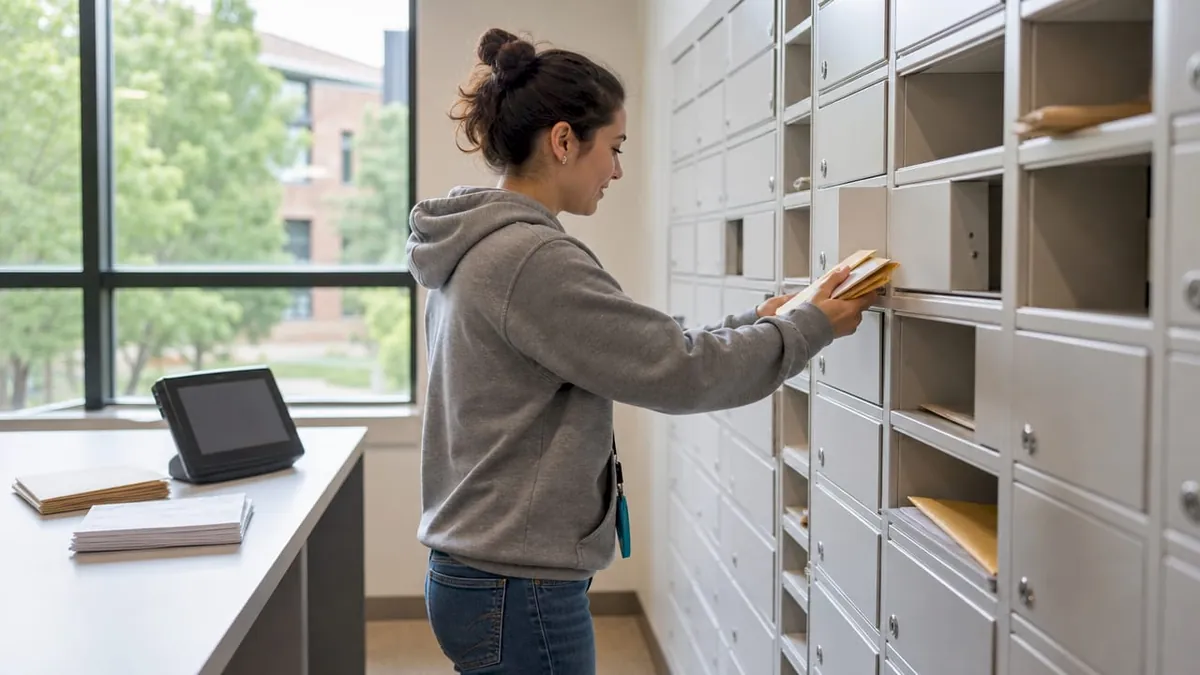
Digital mailroom software is the operational backbone of a modern campus mail system. Platforms like Traizr log deliveries instantly via smartphone scanning, match barcodes to student records, and send automated alerts without any manual follow-up from staff. Traizr manages multiple campus sites through tailored dashboards, giving facility managers a real-time view of parcel volume across every building. That visibility is what separates reactive operations from planned ones.
Core functions of digital mailroom software include:
- Barcode and QR code scanning at intake, eliminating handwritten logs
- Automated recipient notifications sent immediately after scanning
- Digital signature capture for high-value or restricted items
- Multi-site dashboards showing volume by building, carrier, and time of day
- Full audit trails for compliance and dispute resolution
Centralized data dashboards let campus managers track mail volumes by building and carrier, which directly supports budget justification and staffing decisions. A manager who can see that Tuesday mornings between 9 a.m. and 11 a.m. account for 40% of weekly intake can schedule staff accordingly instead of guessing.
Pro Tip: Use volume data from your software platform to plan staffing before peak delivery spikes like semester starts or holiday shopping periods. Reactive scheduling costs more and delivers worse service.
Universities also use digital mailrooms with OCR scanning to reduce physical mailbox needs entirely, routing scanned mail documents to encrypted online portals accessible from any device. This approach works well for administrative correspondence and financial documents that students rarely need to collect in person.
3. package rooms vs. smart lockers: which fits your campus?
Package rooms and smart locker systems both solve the storage problem, but they do it differently. A package room is a secured, staffed or monitored space where parcels are stored on shelves until a student collects them. A smart locker system assigns each parcel to a specific compartment and automates the entire notification and retrieval process. The right choice depends on your volume, budget, and available footprint.
| Factor | Package Room | Smart Locker System |
|---|---|---|
| Upfront cost | Lower (uses existing space) | Higher (hardware investment) |
| Space efficiency | Moderate (open shelving) | High (compartmentalized, dense) |
| Staff dependency | High (requires intake and retrieval staff) | Low (self-service after loading) |
| 24/7 accessibility | Limited (requires staffed hours) | Full (automated access anytime) |
| Scalability | Requires physical expansion | Add locker units as volume grows |
| Parcel security | Moderate (shared space) | High (individual locked compartments) |
For a detailed breakdown of how these two formats compare in residential and institutional settings, the package room vs. locker comparison covers the decision criteria clearly.
The best answer for most large campuses is a hybrid. Use a monitored package room for oversized items that do not fit in standard locker compartments, and deploy smart lockers for the high-frequency, standard-size parcels that make up the bulk of daily volume. Smaller campuses with lower daily intake may find a well-managed package room with digital software sufficient for their needs.
4. upgrading existing infrastructure with locker integrations
Full locker replacement is rarely necessary, and it is almost never the most cost-effective first step. Locker integrations let institutions keep existing locker shells and upgrade only the internal hardware and software, which reduces capital expense and minimizes disruption to daily operations. This approach is particularly valuable for campuses that installed lockers five to ten years ago and now need modern connectivity and tracking features.
Benefits of a locker integration upgrade include:
- Lower capital cost compared to full unit replacement
- Minimal operational disruption since the physical footprint does not change
- Mobile processing capability so staff can log packages from a smartphone on the floor
- Centralized data access through a software platform connected to the upgraded hardware
- Phased rollout options allowing one building at a time to be upgraded
Locker integrations allow campuses to modernize without the disruption and cost of full locker replacement. For facility managers working within tight capital budgets, this is the most practical path to modern dorm mail management.
Pro Tip: Before approving a full locker replacement budget, request a locker integration assessment from your vendor. In most cases, upgrading the internal components delivers 80% of the functionality at a fraction of the cost.
We offer university library package lockers designed for institutional environments, including configurations suited to phased integration upgrades across multiple campus buildings.
5. managing on-demand deliveries without overloading your mailroom
On-demand delivery services like DoorDash and UberEats create a specific and underappreciated problem for campus mailrooms. These services operate on unpredictable schedules, require immediate handoff, and generate no advance notification to mailroom staff. Integrating on-demand deliveries into campus mailrooms creates unmanageable operational overhead. The University of California San Diego directs these services to physical street addresses rather than the campus mailroom system.
Practical policies to protect your mailroom from on-demand delivery overload:
- Exclude food and on-demand services from mailroom delivery addresses in your official student communications
- Designate building-level pickup points for services like Amazon Hub lockers that operate independently
- Publish a clear accepted carrier list so students know which services route through the mailroom
- Post signage at mailroom entrances redirecting non-qualifying deliveries to the correct location
- Review your policy annually as new delivery services enter the market
Clear campus-wide policy is the most underused tool in university shipping services management. Technology alone cannot fix a workflow problem caused by undefined rules. When students and delivery drivers both understand where packages go, the mailroom operates on a predictable intake schedule instead of a reactive one.
6. using volume data to plan staffing and budget
Mailroom congestion is process-driven, not space-driven. Reactive operations increase costs, while proactive data-driven staffing improves throughput without adding headcount. Most facility managers underestimate how much actionable information their mailroom software already contains.
A centralized dashboard showing carrier volume, time-of-day intake patterns, and per-building delivery counts gives you the data to make three specific decisions: when to schedule extra staff, which buildings need additional locker capacity, and how to justify budget requests to administration. Without that data, every budget conversation is anecdotal.
The practical application is straightforward. Pull your volume data from the previous semester before the next one begins. Identify your three highest-volume days and your three highest-volume hours. Schedule your intake staff to match those peaks, and reduce coverage during verified low-volume windows. This single change reduces overtime costs and eliminates the backlog that builds when two staff members try to process 200 packages in a two-hour window.
Key takeaways
The most effective college mailroom solutions combine smart locker hardware, digital tracking software, and clearly defined delivery policies to handle growing package volumes without adding proportional staff costs.
| Point | Details |
|---|---|
| Smart lockers solve process problems | Deploy lockers connected to tracking software to eliminate manual reconciliation and counter congestion. |
| Software enables proactive management | Use platforms like Traizr to track volume by building and carrier before peak periods hit. |
| Locker integrations save capital | Upgrade internal hardware and software in existing locker shells before committing to full replacement. |
| Policy controls on-demand overload | Exclude food delivery services from mailroom workflows and direct them to building-level pickup points. |
| Data drives staffing decisions | Match staff schedules to carrier volume and time-of-day patterns to reduce overtime and backlogs. |
What we’ve learned after years in package management
The most common mistake campus administrators make is treating a mailroom upgrade as a hardware purchase. They buy new lockers, install them, and expect the problem to resolve itself. It rarely does. The lockers sit underused because the notification system was not configured correctly, or staff still manually log packages out of habit, or students do not know the pickup process changed.
The operations that work well share one trait: they fixed the process before they upgraded the equipment. They mapped their intake workflow, identified where delays actually occurred, and then selected technology that addressed those specific friction points. A locker system deployed into a broken process just automates the broken process.
The other insight worth sharing is that centralized data visibility changes the entire conversation between facility managers and administration. When you can show a graph of Tuesday morning intake spikes versus Thursday afternoon lows, budget requests for additional staff or equipment become evidence-based rather than anecdotal. Administrators approve requests faster when the data is in front of them.
For campuses considering upgrades, the phased approach works. Start with software. Get your tracking and notification system running correctly. Then evaluate whether locker integrations or new hardware are justified by the volume data your software generates. That sequence avoids expensive decisions made on incomplete information.
Upgrade your campus mail operations with locker solutions
We provide Luxer One® smart lockers and package room management systems built for high-volume institutional environments, including university dorms, libraries, and campus facilities. Every configuration supports contactless delivery, automated resident notifications, and 24/7 self-service access without requiring staff to be present at pickup.
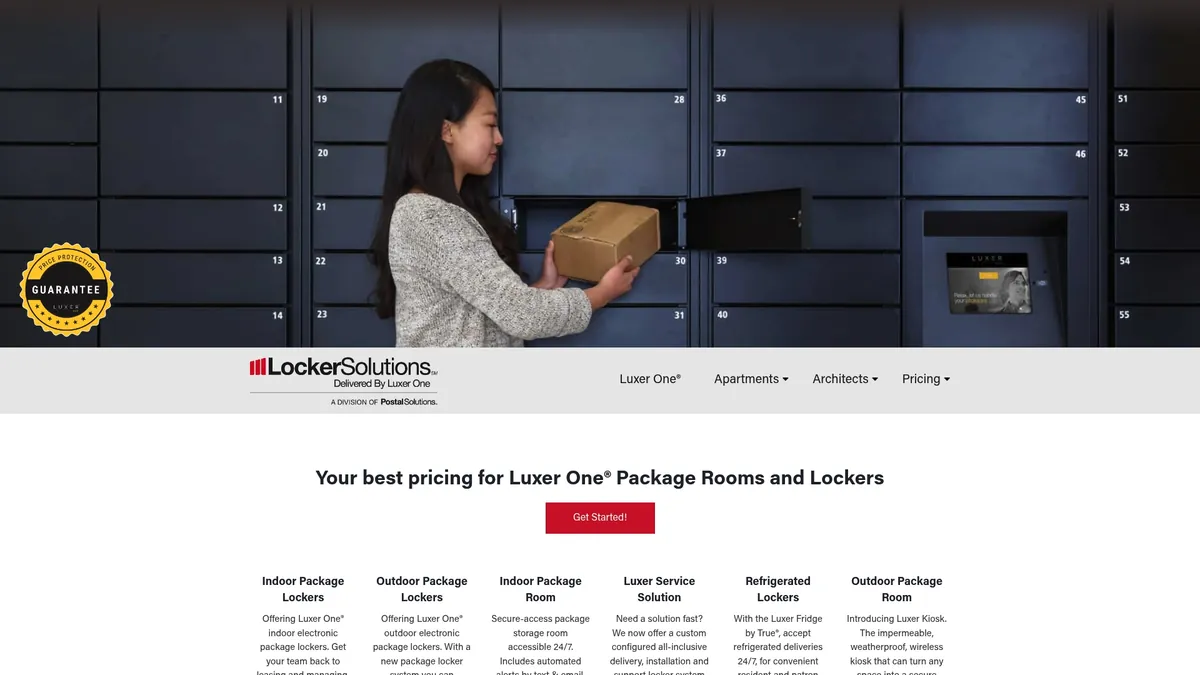
Whether you are managing a single residence hall or a multi-building campus network, we offer indoor and outdoor locker systems with installation in 4-6 weeks and full software integration. The product line includes weatherproof outdoor units, refrigerated lockers for perishable deliveries, and monitored package rooms for oversized parcels. Contact us to discuss a configuration matched to your campus volume and infrastructure.
FAQ
What are the best college mailroom solutions for high volume?
Smart locker systems combined with digital mailroom software like Traizr are the most effective approach for high-volume campuses. They reduce staff dependency, automate notifications, and provide the data needed to plan staffing around peak delivery periods.
How do smart lockers reduce mailroom staff workload?
Smart lockers enable self-service pickup with QR code or PIN access, which eliminates the need for staff to retrieve packages at the counter. Automated notifications mean staff no longer spend time answering package status questions.
Can existing lockers be upgraded instead of replaced?
Yes. Locker integrations allow campuses to keep existing locker shells and replace only the internal hardware and software. This approach reduces capital cost and minimizes disruption to daily mailroom operations.
Should campus mailrooms accept DoorDash and food deliveries?
No. On-demand food delivery services create unpredictable intake schedules and require immediate handoff, which overloads standard mailroom workflows. Direct these services to building-level addresses or designated pickup points outside the formal mailroom system.
What data should facility managers track in a campus mailroom?
Track daily intake volume by building, carrier, and time of day. This data supports staffing decisions, budget justification, and capacity planning before high-volume periods like semester starts and move-in weeks.
Recommended
Ready for a Luxer One® package locker quote?
Tell us your unit count and we'll send right-sized pricing with a fast response time.
Get my free quote